Personal Access Tokens & basic auth are being retired across Azure DevOps, Jira, ServiceNow & more. Switch to OAuth 2.0 — fully supported in ADL Connect.
Why ADL Connect Is the Best Azure DevOps Connector on the Market
Posted on
Updated on November 4, 2026
Author : ADL Solution
Salesforce & Azure DevOps · Closing the Delivery Gap
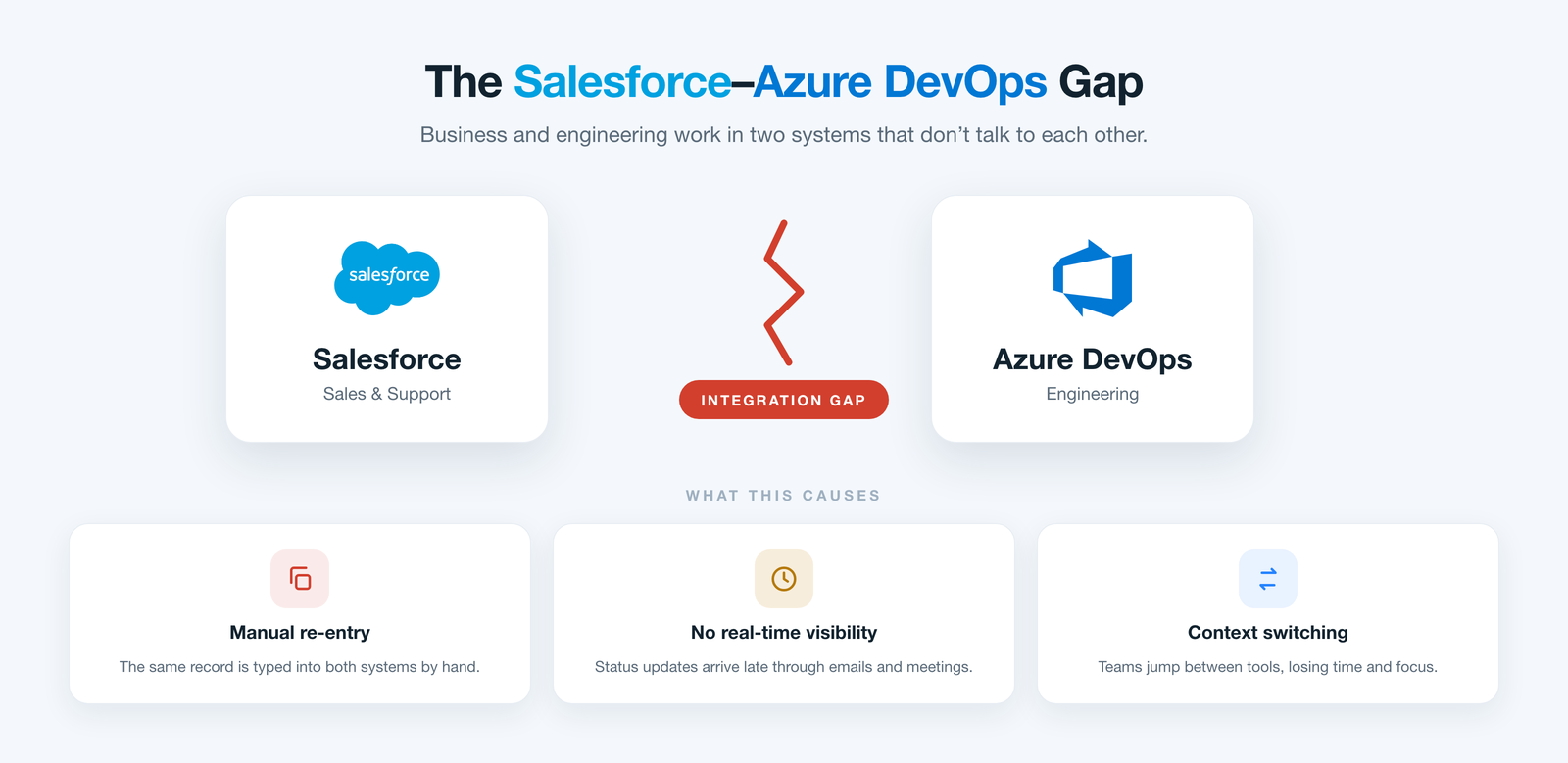
Choosing an Azure DevOps connector matters because your revenue teams live in Salesforce while your delivery teams live in Azure DevOps. Between the customer request and the shipped work item sits a handoff nobody truly owns — and it leaks time, context, and trust on every release.
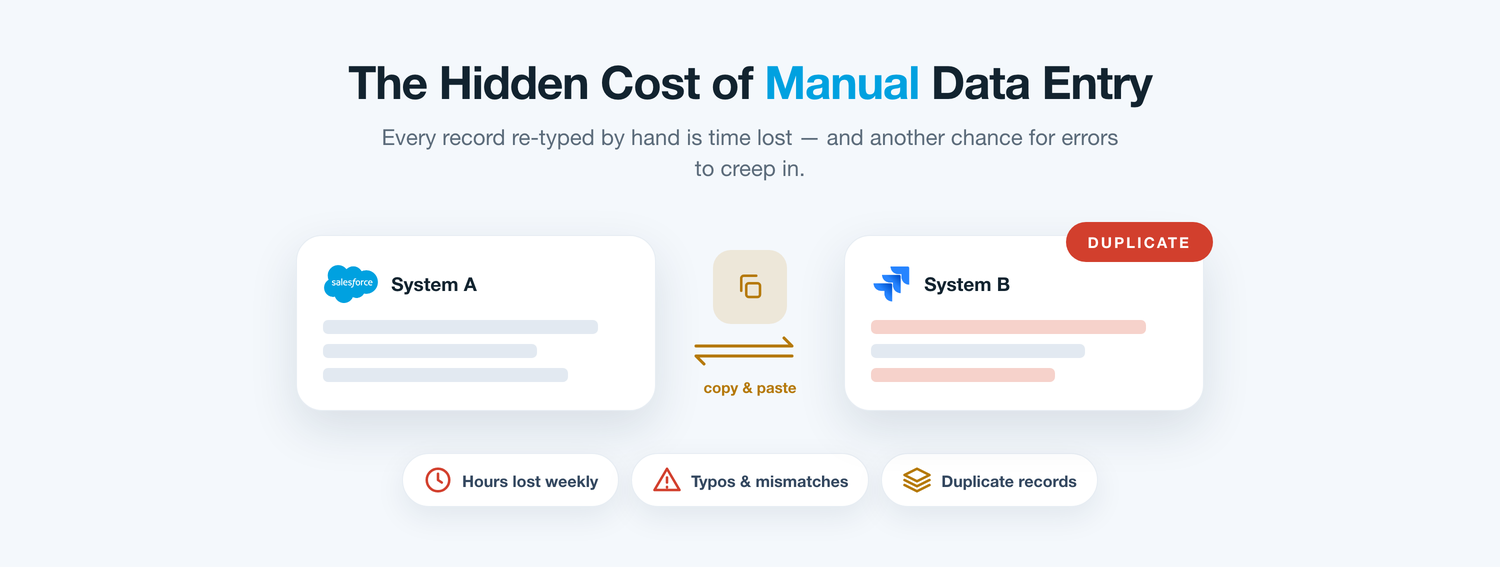
Consider how a single escalation travels. An account manager logs a defect in Salesforce after a customer call, records the severity and account context, then pings a developer to ‘get it into the backlog.’ Someone opens Azure DevOps, creates a work item, and retypes what was captured minutes earlier. Two records are born, and only one will ever be kept current.
Without an Azure DevOps connector the two systems drift apart on their own schedules. The board moves that work item through sprints, pull requests, and a release, while the Salesforce record sits frozen at ‘submitted.’ Multiply that by a few hundred issues a quarter and the cost stops being abstract: agents chase status, engineers field interruptions, and leaders report from numbers that no longer agree.
Problem one
Azure DevOps Connector Problem: Typing the Same Work Item Twice
The first tax of working without an Azure DevOps connector is duplication. Every escalation captured in Salesforce is entered a second time as an Azure DevOps work item — the title, the account, the priority, the repro steps. It is mechanical, repetitive, and exactly the kind of task where small mistakes slip in unnoticed.
A severity gets downgraded by accident, an area path is chosen wrong, an iteration is left blank. Each slip is trivial alone, but together they quietly pollute both the backlog and the CRM, until neither team trusts what the other sees.
The daily friction
The Hidden Cost of Running Without an Azure DevOps Connector
Individually minor; added up over a quarter, they decide how fast your teams can actually ship.
Stalled handoffs
Requests sit in a queue before anyone turns them into work items.
Duplicate records
The same defect is logged in both tools, splitting the conversation.
Status blackout
Agents can’t tell if a fix is in a sprint, in review, or already shipped.
Stranded detail
Repro steps, logs, and attachments stay trapped in whichever tool created them.
Unreliable metrics
SLA and delivery reports drift because the two systems never reconcile.
Manual busywork
Engineers babysit spreadsheets and status pings instead of building.
Problem two
No Line of Sight Across the Lifecycle
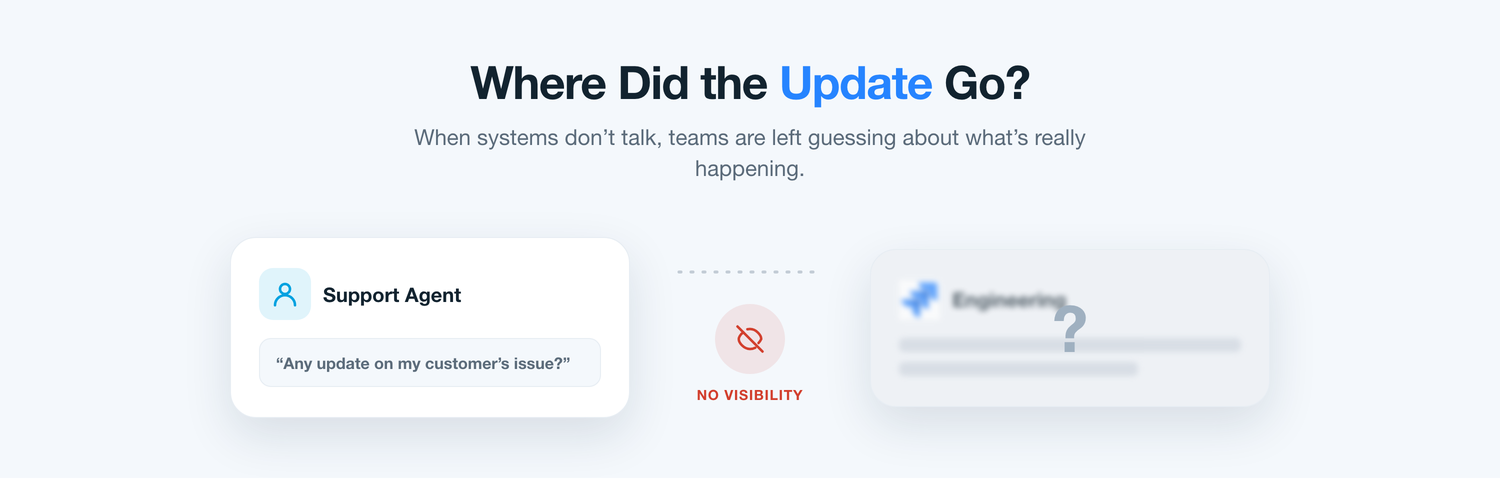
Ask a service lead what happens to a request once it becomes an Azure DevOps work item, and the honest answer is often ‘we wait and ask.’ The moment work crosses into Boards, its progress vanishes from Salesforce. Sprint state, blocking bugs, and release dates all live where the customer-facing team cannot see them.
So they compensate with interruptions: a message to a release manager, a recurring sync meeting, a shared sheet updated on Fridays. Every workaround borrows focus from both sides — and the customer still hears ‘let me check and get back to you.’
Weighing the options
Three Routes Teams Take to Bridge It
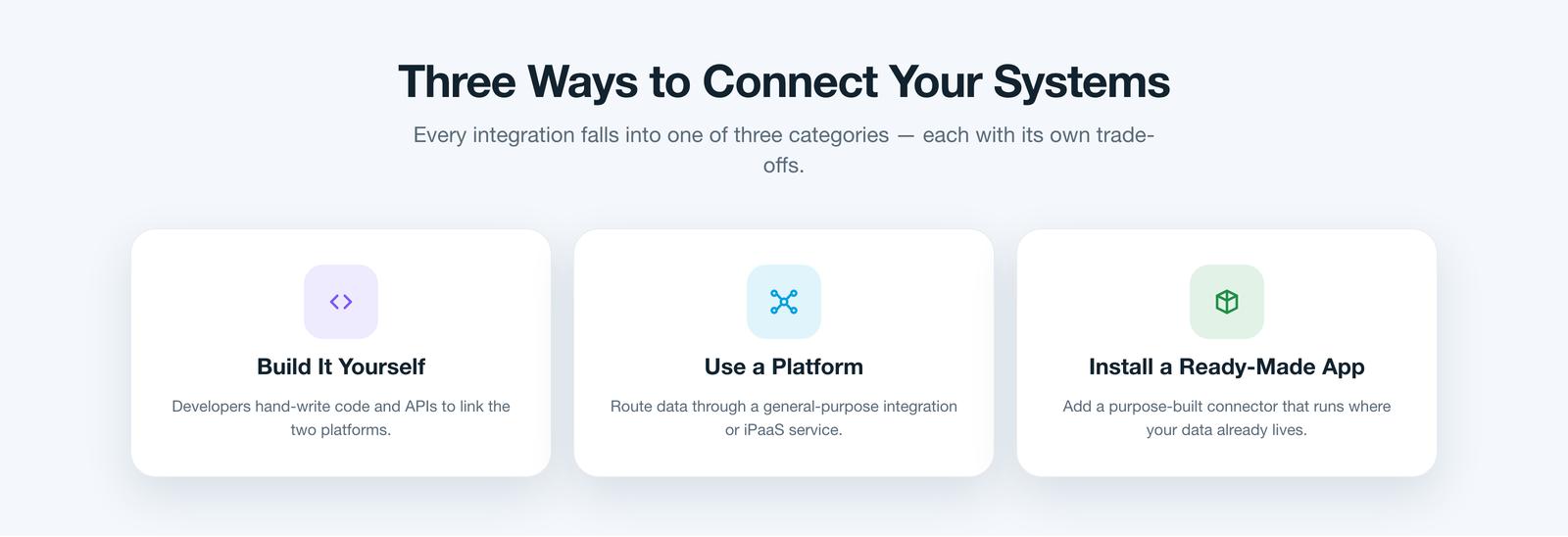
When leaders finally commit to connecting the two platforms, they tend to pick one of three paths. The first is to build the integration in-house, wiring the Salesforce and Azure DevOps REST APIs together with custom Apex and scheduled jobs. It fits perfectly on day one, then becomes a standing maintenance debt that competes with the roadmap.
The second is to route the traffic through a general integration platform — a middleware layer between the two systems. It is flexible, but it is one more product to license, secure, and administer, and your customer data now makes a round trip through a third party.
The third is to install a purpose-built application that already speaks both platforms and runs where your data lives. Done properly, this route sidesteps the upkeep of custom code and the overhead of middleware — which is where the choice of tool starts to matter.
A better fit
Where ADL Connect Enters the Picture
That third category is exactly where ADL Connect lives — a purpose-built, Salesforce-native application — but it is engineered to strip out the compromises the other two routes leave behind.
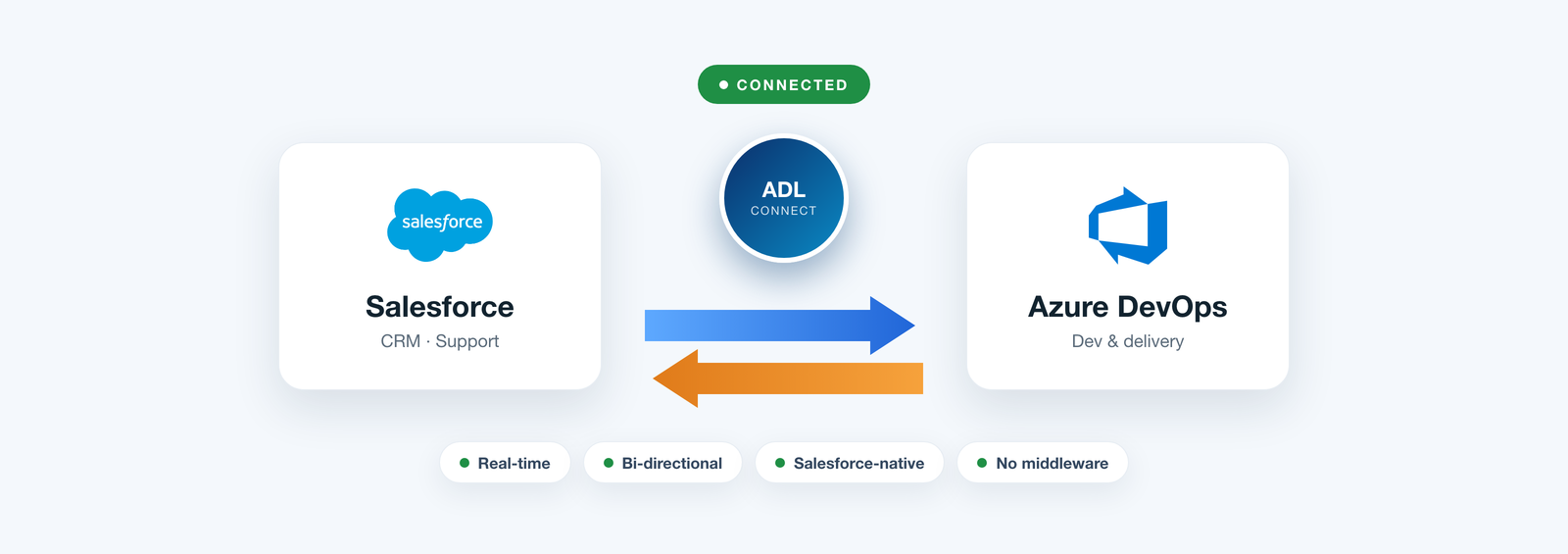
Because it installs straight from the AppExchange as a managed package, there is no middleware to stand up and no bespoke codebase to babysit. It links each Salesforce record to an Azure DevOps work item and keeps the pair in step automatically, so a single update keeps both teams current.
Under the hood
Configured with Rules, Not Code
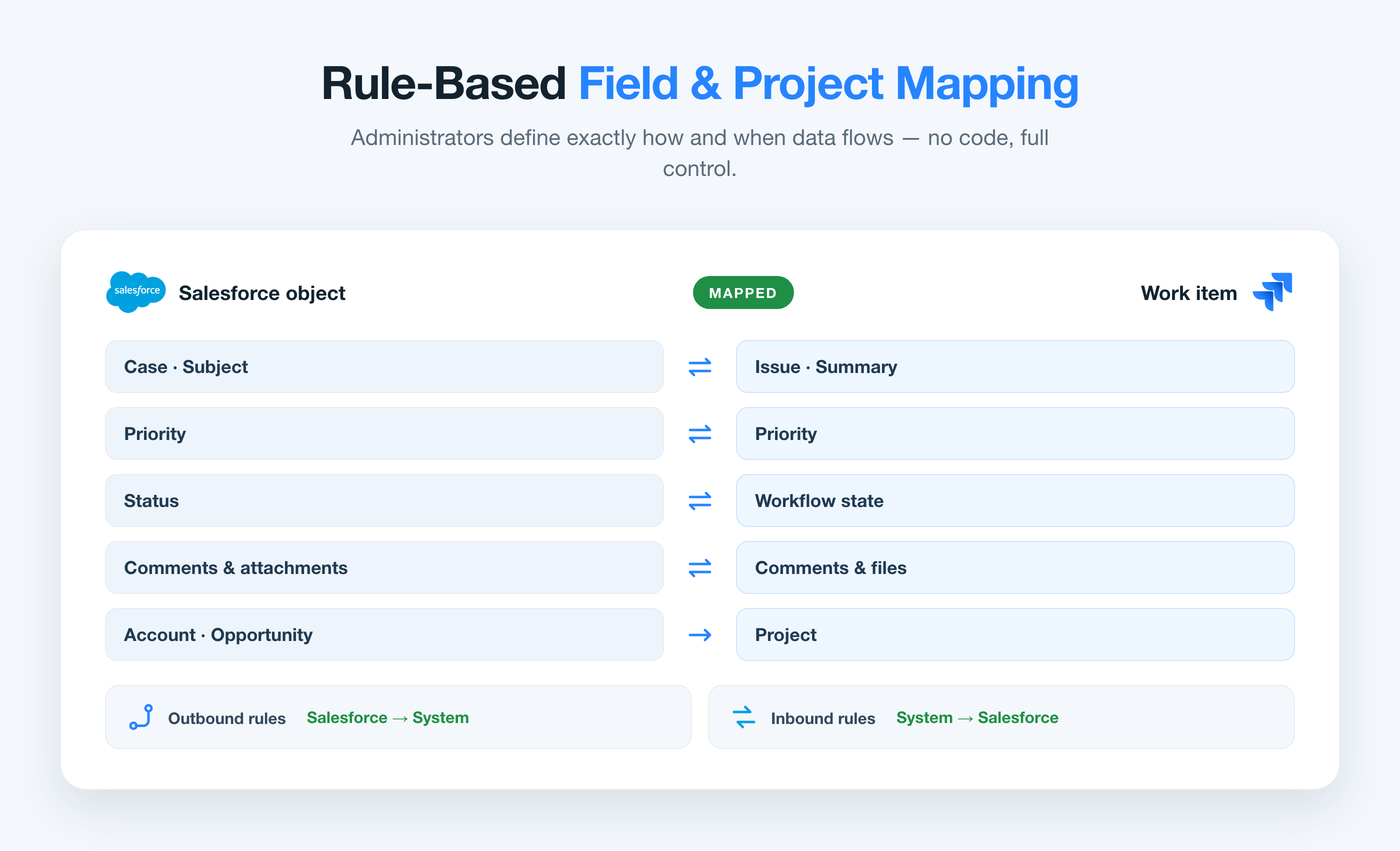
Setup is a mapping exercise, not a development project. Admins connect the org to Azure DevOps Services or Server with Named Credentials, OAuth, and Azure DevOps PATs, then define project and field mappings point-and-click — case to work item, priority to severity, status to board column.
Rule-based outbound and inbound rules then decide what moves, in which direction, and when. Field-level security is respected on both sides and every sync is written to an audit trail, so governance teams keep their oversight. Most teams are live in under an hour.
How the options compare
In-House vs Middleware vs ADL Connect
The same job, measured against the criteria that decide whether an integration survives its first year in production.
What decides it
In-house build
Middleware platform
ADL Connect Best fit
Time to first sync
DrawbackWeeks of Apex, testing, and deployment.
Trade-offLengthy setup and connection mapping.
SeamlessManaged-package install — live in under an hour.
Ongoing upkeep
DrawbackYour team owns every Azure DevOps API change.
Trade-offA dedicated admin keeps the flows alive.
SeamlessMaintained for you, tracking each platform update.
Where data travels
DrawbackThrough scripts you have to secure yourself.
Trade-offRound-trips through a third-party server.
SeamlessStays inside your Salesforce org and boundary.
Sync depth
DrawbackOnly what you find time to build.
Trade-offOften fields only, on a batch schedule.
SeamlessFields, status, comments & attachments, both ways.
Governance
DrawbackCustom logging you build and maintain.
Trade-offSplit across two admin consoles.
SeamlessNamed Credentials, FLS respected, full audit trail.
Total cost
DrawbackA hidden engineering salary line.
Trade-offLicences that climb with call volume.
SeamlessFlat pricing with a genuine free tier.
The payoff
Delivery Status, Right on the Record
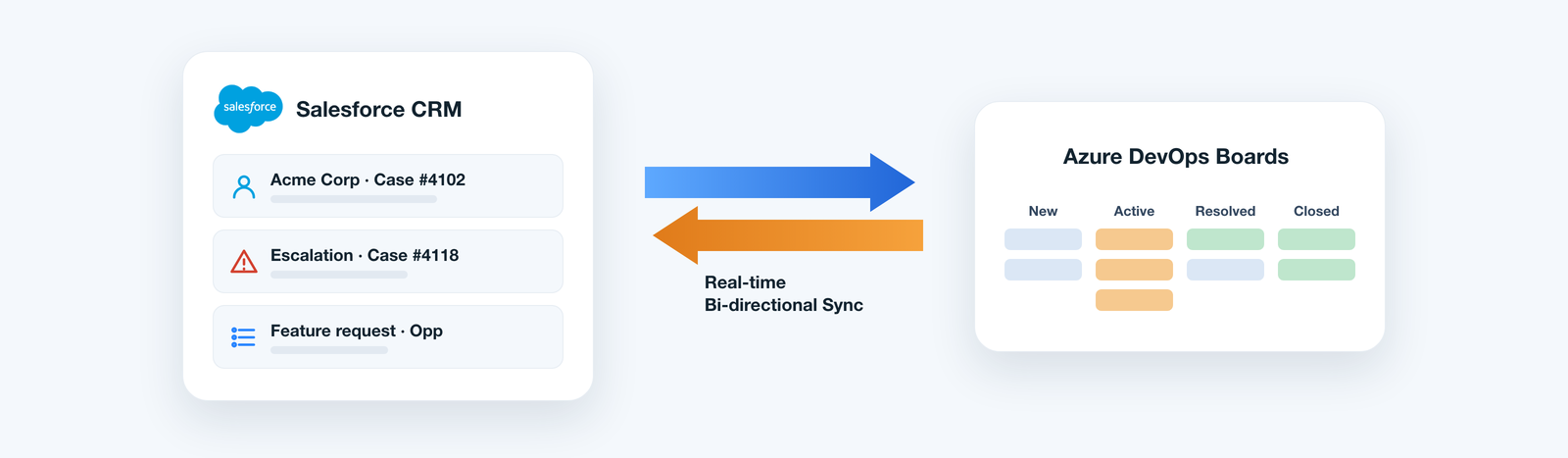
Once the link is live, the Azure DevOps picture surfaces directly on the Salesforce record. Service teams stop chasing engineers, and engineers stop answering the same status question five times a day — the answer is on the page.
Create or link Azure DevOps work items without leaving Salesforce
Watch live board status, sprint, and iteration on the record
Read and post work-item comments straight from Salesforce
Sync attachments and repro steps in both directions
Give business users full visibility with no Azure DevOps licences
Why it wins
Engineered for Real Delivery Teams
Beyond daily convenience, it is designed to satisfy the people who approve it.
Rule-based control
Admins choose what syncs and in which direction — entirely without code.
Security first
Named Credentials, OAuth, PATs, respected field-level security, and audit trails.
Fits your process
Map cases, opportunities, or custom objects to any Azure DevOps work item type.
Lower cost of ownership
Configuration replaces custom Apex and recurring middleware fees.
Customer feedback
What Teams Say After Making the Switch
From leaders who connected Salesforce and Azure DevOps with ADL Connect.
★★★★★
“My engineers were losing an hour a day to status questions. Now the sprint and work-item state sit right on the Salesforce record, so the interruptions simply stopped — we ship more without adding people.”
CW
Chris W.Engineering Director, Media
★★★★★
“We opened a middleware review and abandoned it. ADL Connect was live before that project would have cleared our security team, and none of our customer data ever leaves the Salesforce org.”
FZ
Fatima Z.CRM Manager, Banking
★★★★★
“The two-way comment and attachment sync is the piece I didn’t know we were missing. Repro steps and release notes finally flow both ways without anyone copying and pasting.”
LA
Leo A.Release Manager, Gaming
Pricing
Straightforward Plans, No Surprises
Start free on a real project, then scale on a flat rate instead of paying more as work-item volume spikes.
Plan
Price
Key inclusions
StartupFree forever
$0
Up to 5 users, 1,000 monthly callouts, the native AppExchange package, and business-hours email support — enough to connect a first project end to end.
EnterpriseMost popular
$49 / month
Unlimited users and callouts, 24×7 priority support with a rapid response window, and a dedicated success manager.
FAQ
What Buyers Ask Before Choosing
Do we need developers to set it up?
No. ADL Connect installs as a managed package and is configured point-and-click, so admins build project and field mappings and sync rules without writing any code.
Does it work with Azure DevOps Services and Server?
Yes. It connects to both cloud and on-premises Azure DevOps using Named Credentials, OAuth, and Azure DevOps PATs for secure, controlled access.
Will our customer data leave Salesforce?
No. Unlike a middleware approach, the connector runs inside your Salesforce org, so records stay within your existing security boundary.
Do business users need Azure DevOps licences?
No. Linked work items, board status, comments, and attachments appear inside Salesforce, so customer-facing teams stay informed without extra seats.
How quickly can we go live?
Most teams are running in under an hour: install the package, authorise the Azure DevOps connection, and map the objects and fields that matter to you.
Stop Relaying Status. Connect the Work.
The best Azure DevOps connector isn’t the one that pushes the most data — it’s the one that makes the gap between revenue and delivery disappear without adding cost or risk. Native architecture, real two-way sync, and rule-based control are what turn two separate tools into one dependable workflow.
If your teams are still relaying work-item updates by hand, that gap is costing you right now — and ADL Connect is the fastest, lowest-risk way to close it.