Personal Access Tokens & basic auth are being retired across Azure DevOps, Jira, ServiceNow & more. Switch to OAuth 2.0 — fully supported in ADL Connect.
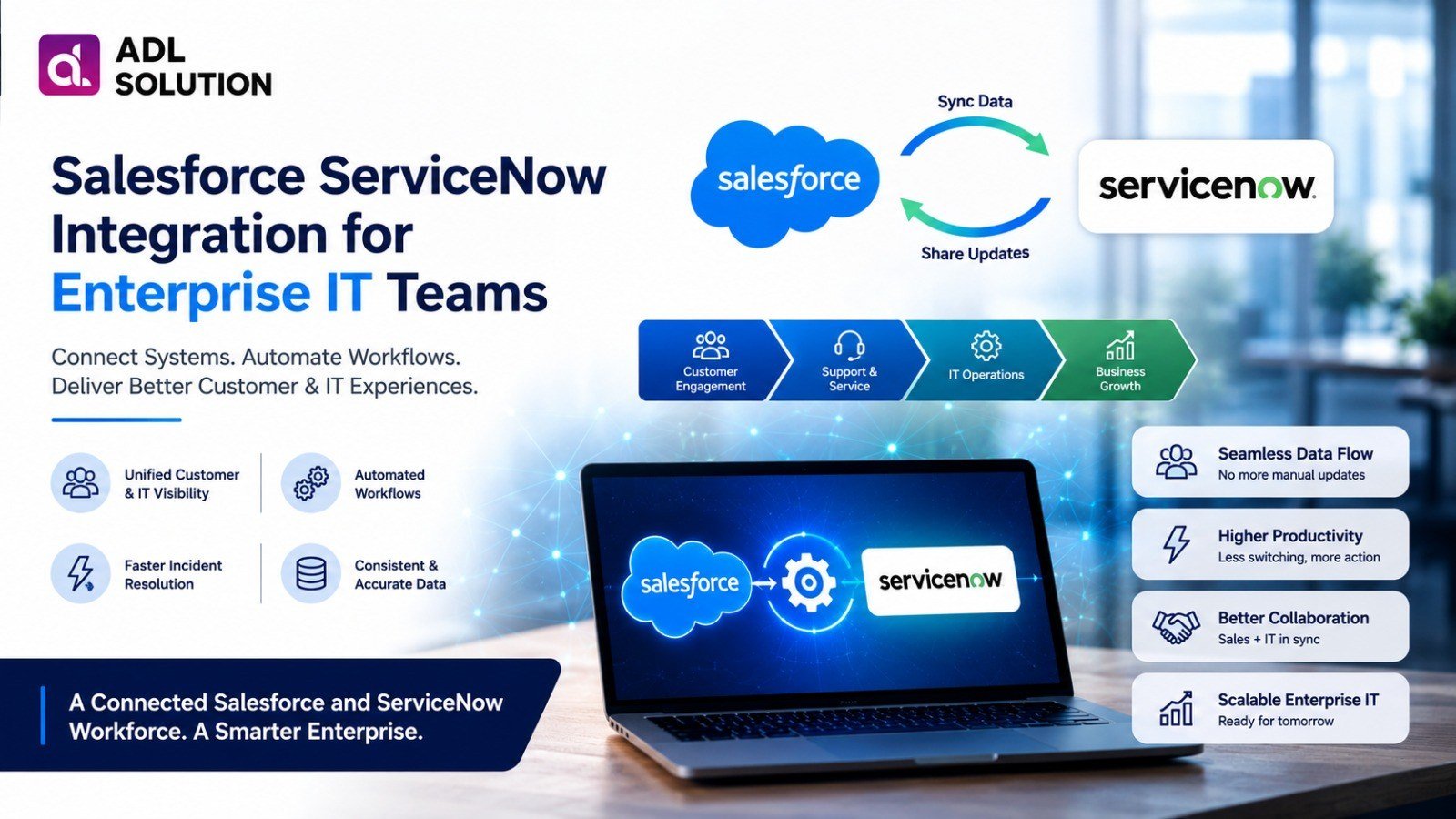
Salesforce ServiceNow Integration for Enterprise IT Teams
Posted on
Updated on September 17, 2026
Author : ADL Solution
Salesforce & ServiceNow · Customer Support Meets IT Operations
Your customers live in Salesforce. Your incidents live in ServiceNow. Between the two sits a gap where a single support case quietly becomes two disconnected records — and nobody can say for certain what's actually happening.
Enterprise IT teams juggle two very different platforms every day. Salesforce gives sales, support, and customer success a single view of the account. ServiceNow gives IT a structured way to manage incidents, changes, and service requests. Both are excellent at their job — right up until a problem needs both of them at once.
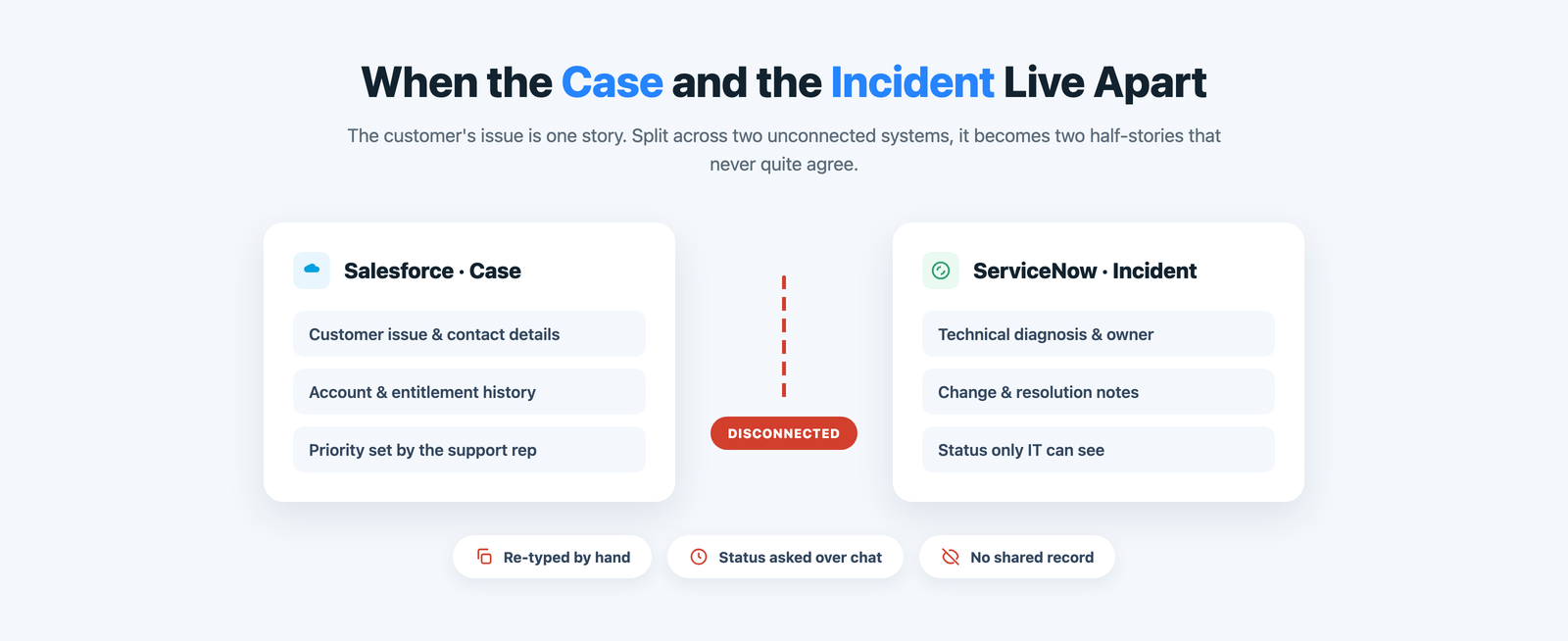
That's where the friction starts. A customer reports a technical issue, a support rep logs it in Salesforce, and from that point on the case and the incident it spawns lead separate lives. Whoever asks "where do we stand?" has to go hunting for the answer.
The core problem
ServiceNow and Salesforce: Two Systems, One Customer Story
A support rep captures every detail the customer gives them — the issue, the account, the urgency — inside Salesforce. If IT needs to get involved, someone now has to retype that same story into ServiceNow, by hand, hoping nothing gets lost in translation.
From there, the two records drift. ServiceNow becomes the place where the real technical picture lives; Salesforce becomes the place the customer keeps calling. Neither system reflects the full truth, and reconciling them falls on whoever has time to chase it down.
The daily friction
Where ServiceNow and Salesforce Hours Quietly Disappear
None of these feel dramatic on their own. Spread across every case that touches IT, they add up to real time and real risk.
Double data entry
Every case that needs IT gets retyped into ServiceNow, then updated by hand again later.
Delayed updates
Status changes in ServiceNow can sit for hours before anyone copies them back to Salesforce.
Stranded context
Diagnosis notes, comments, and attachments stay locked in whichever system captured them.
No customer answer
Reps can't tell a customer when a fix is coming without pinging IT directly.
Inconsistent records
Case and incident data disagree, so reporting across both teams can't be trusted.
Problem two
The Blind Spot After the Handoff
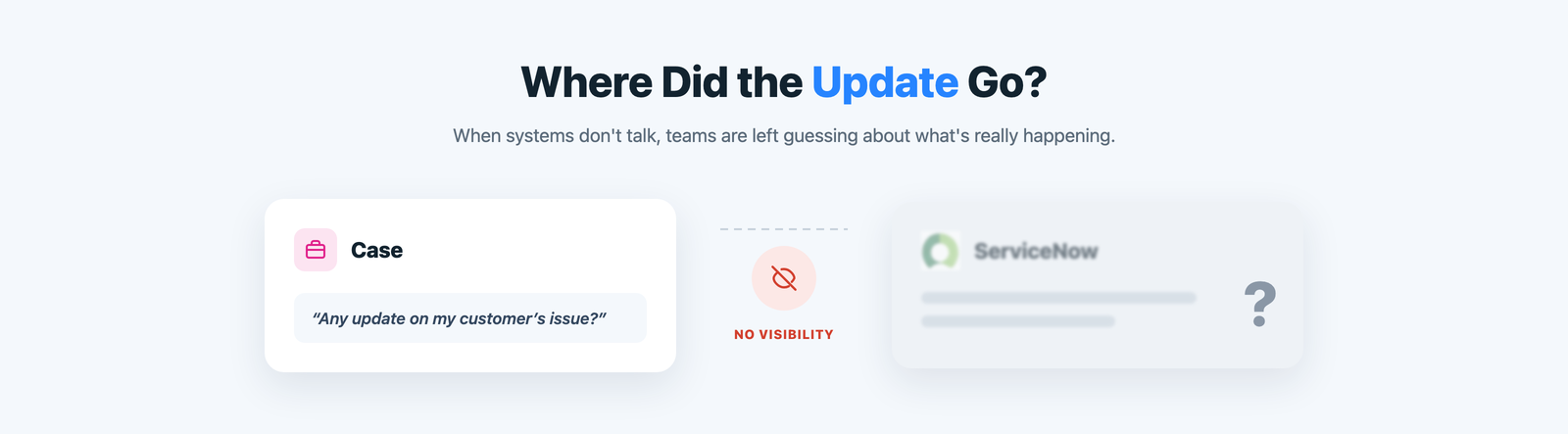
Ask a support manager what happens to an escalation after it leaves Salesforce, and the honest answer is usually "we're not sure." It's somewhere in ServiceNow's queue — open, in progress, resolved — but that status doesn't travel back on its own.
So teams improvise: status-check emails, a Slack ping to whoever's on call, a recurring sync meeting to compare notes. Every one of those is a manual patch over the same missing connection, and every one interrupts an IT team that would rather be resolving the next incident.
Weighing the options
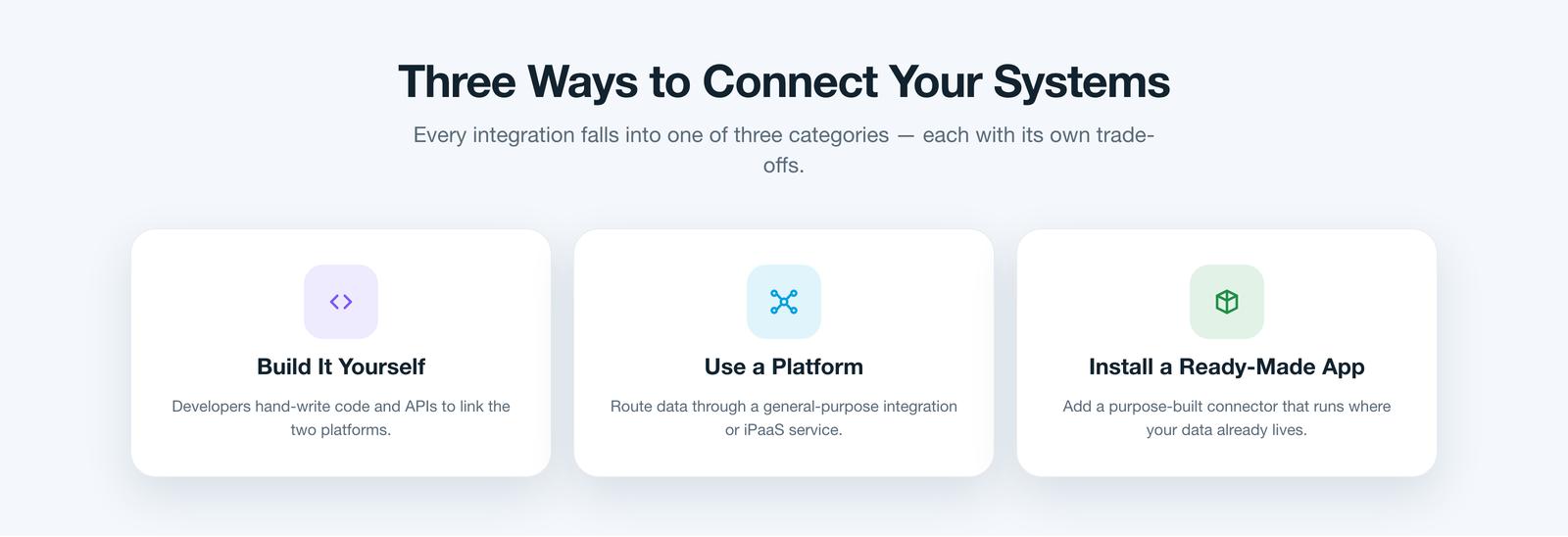
Three Ways Teams Try to Bridge It
Once leaders decide to fix this properly, the options usually narrow to three. Build it in-house — have developers wire the Salesforce and ServiceNow APIs together directly. It can fit your process exactly, but you now own a custom integration that breaks with every release.
Or route it through an iPaaS platform — a general-purpose middleware layer sitting between the two systems. It's flexible, but it's another product to license, secure, and maintain, and customer data now passes through a third party.
Or install a purpose-built connector that already understands both platforms and runs where your data lives. Done well, this route avoids both the upkeep of custom code and the overhead of middleware.
A better way
One Platform That Speaks Both Systems
This is where ADL Connect fits — the third category, engineered specifically to erase the trade-offs the other two leave behind.
Because it's a native Salesforce application, there's no middleware to stand up and no integration code to maintain. It links each Salesforce case to its ServiceNow incident and keeps both records moving together, so support and IT finally work from one connected story instead of two.
How it works
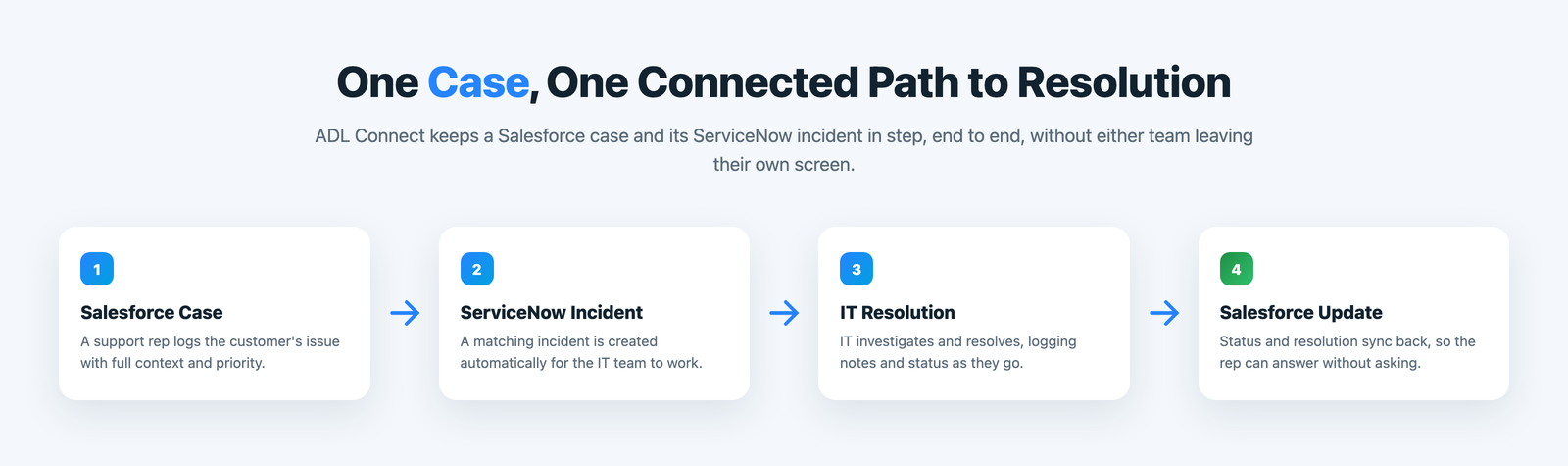
From First Report to Final Update
A single request now travels a connected path instead of two disconnected ones.
How it compares
ADL Connect vs the Other Routes
Judged against what actually decides whether an integration survives its first year connecting two live systems.
What matters
In-house build
iPaaS / middleware
ADL Connect Best fit
Time to launch
DrawbackWeeks of custom development before the first sync runs.
Trade-offSetup time mapping fields across both systems by hand.
SeamlessManaged-package install — live in well under an hour.
Where data lives
DrawbackScattered across custom scripts and servers you maintain.
Trade-offPasses through a third-party middleware host.
SeamlessStays inside your own Salesforce org.
Sync depth
DrawbackOnly whatever your team finds time to build.
Trade-offOften fields only, on a batch schedule.
SeamlessFields, status, comments & attachments, both ways.
Trade-offAdmin effort plus licences that grow with volume.
SeamlessMaintained for you; flat pricing, free tier.
The payoff
What Syncs, Both Ways, Automatically
Field mapping stays in your control, so only what a given process needs actually crosses the wire.
Cases and incidents linked automatically, in either direction
Status, priority, and assignment kept in step in real time
Comments and resolution notes shared without copy-paste
Attachments and logs travel with the record, not around it
Admins choose exactly which fields sync, and in which direction
Why it wins
Why IT and Support Teams Rely On It
Beyond daily convenience, it's built to satisfy the people who have to approve it.
Rule-based control
Admins decide what syncs, in which direction, per object and field — no code.
Truly bidirectional
Updates made in ServiceNow reach Salesforce just as fast as the reverse.
No extra seats
IT keeps working in ServiceNow; business users see linked records inside Salesforce.
Lower total cost
One native package replaces a custom build and its ongoing maintenance.
Governance
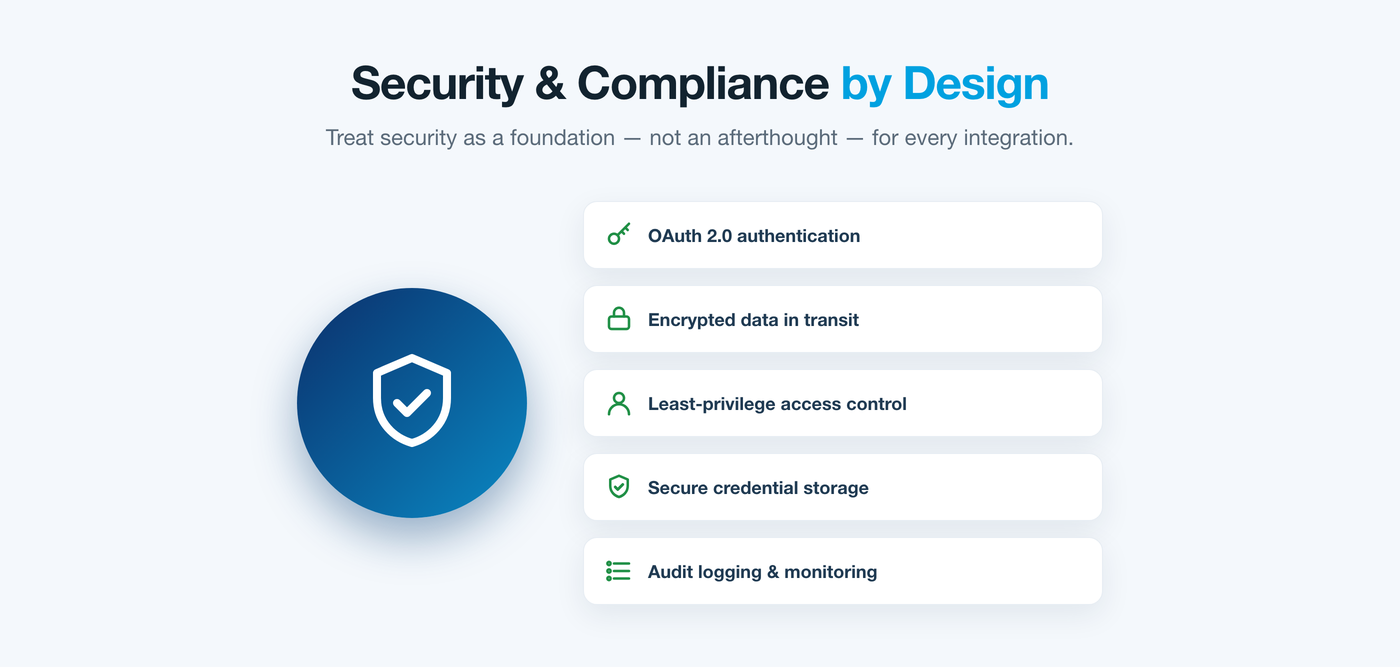
Security Isn't an Afterthought
Connecting two systems means being deliberate about what moves between them. ADL Connect authenticates with OAuth and Salesforce Named Credentials, respects field-level security on both sides, and keeps a full audit trail of every sync.
Admins decide exactly which objects and fields are shared for each process, so the integration carries only what a workflow actually needs — nothing more.
Customer feedback
What Teams Say After Connecting Both Systems
A few words from the leaders who linked Salesforce and ServiceNow with ADL Connect.
★★★★★
“Support used to call IT just to ask what was happening. Now the status is already sitting on the case. That alone paid for itself in the first month.”
RM
Rebecca M.Head of Support, SaaS
★★★★★
“We looked at a middleware platform first. ADL Connect was live before that proposal even got signed off, and nothing leaves our Salesforce org.”
JT
James T.IT Director, Financial Services
★★★★★
“Our incident team never has to open Salesforce, and our reps never have to open ServiceNow. Everyone stays in their own tool, and the record still agrees.”
SN
Sofia N.Service Delivery Manager, Healthcare
Pricing
Straightforward Plans That Scale With You
Start free, connect a real workflow, and move up only when you're ready.
Plan
Price
Key inclusions
StartupFree forever
$0
Up to 5 users, 1,000 monthly callouts, the native AppExchange package, and business-hours email support — enough to connect a first real workflow.
EnterpriseMost popular
$49 / month
Unlimited users and callouts, 24×7 priority support with a rapid response window, and a dedicated success manager.
FAQ
Common Questions About Connecting the Two
Does this replace ServiceNow or Salesforce?
No. ADL Connect links the two platforms so each team keeps working in the tool they already know — support in Salesforce, IT in ServiceNow — while the records stay in sync.
Do we need to write any code to set it up?
No. ADL Connect installs as a managed package from the Salesforce AppExchange and is configured with point-and-click sync rules, so admins map objects and fields without development work.
Will customer data leave our Salesforce org?
No. Unlike a middleware approach, ADL Connect runs inside your own Salesforce org and authenticates with OAuth and Named Credentials, so records stay within your existing security boundary.
Is the sync one-way or bidirectional?
Bidirectional. A case created in Salesforce can create a ServiceNow incident, and status, comments, and resolution details flow back to Salesforce as IT updates them.
How quickly can we be up and running?
Most teams are live in well under an hour: install the package, authorise the connection to ServiceNow, and choose which objects and fields to sync.
Turn Two Systems Into One Connected Workflow
Connecting Salesforce and ServiceNow was never just about moving data — it's about closing the gap between the team facing the customer and the team fixing the problem. Native architecture, real two-way sync, and rule-based control turn two separate platforms into one trustworthy path from report to resolution.
If your teams are still relaying updates by hand between Salesforce and ServiceNow, that gap is costing you right now. ADL Connect is the fastest, lowest-risk way to close it.