Personal Access Tokens & basic auth are being retired across Azure DevOps, Jira, ServiceNow & more. Switch to OAuth 2.0 — fully supported in ADL Connect.
How ADL Connect Unifies Salesforce with Jira and Azure DevOps
Posted on
Updated on September 21, 2026
Author : ADL Solution
Salesforce, Jira & Azure DevOps · One Workflow, Three Silos
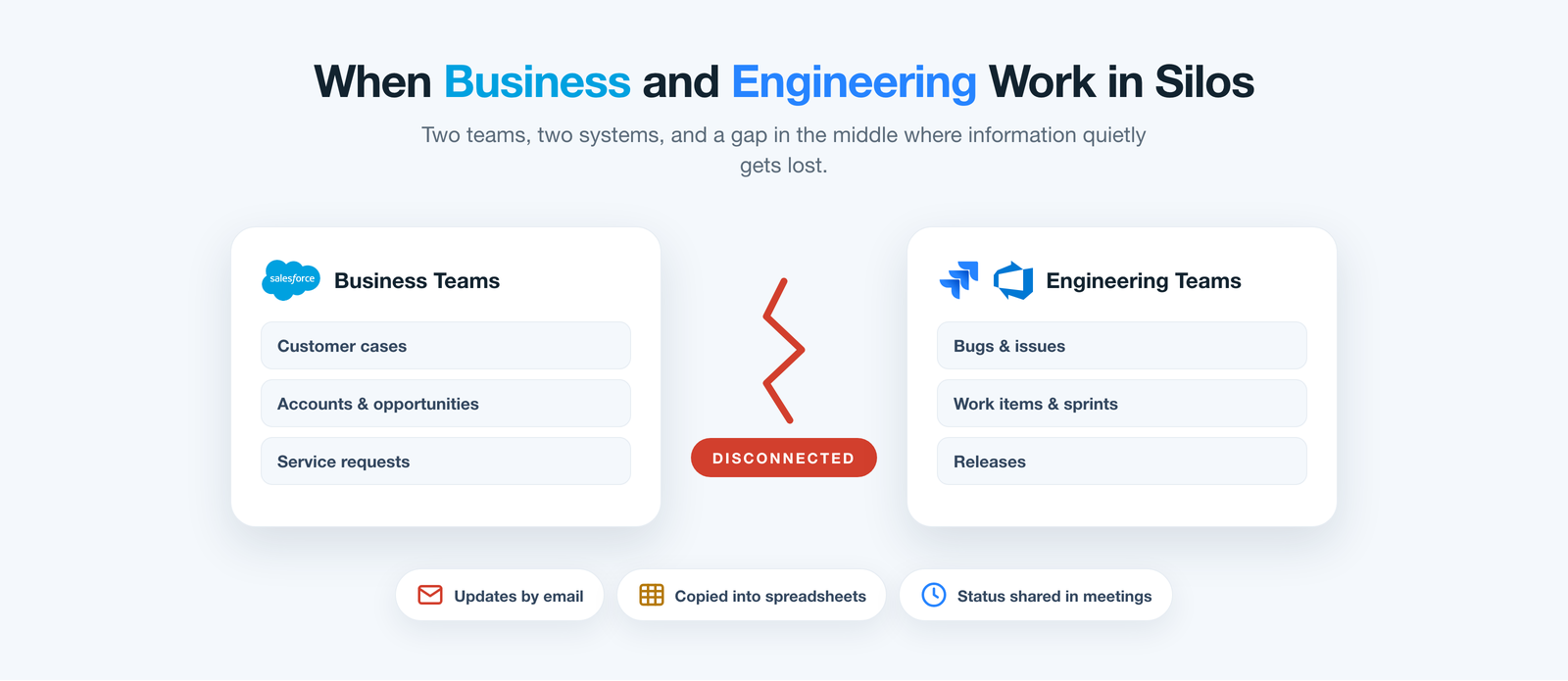
Your revenue teams work in Salesforce. One engineering group tracks its backlog in Jira; another delivers in Azure DevOps. Between those three systems sits a silent divide where customer requests stall, context evaporates, and no one can say where anything actually stands.
Think about how a single customer request travels today. A service rep logs a defect in Salesforce with every detail the customer gave them. The web team picks it up in Jira; the platform team owns a related fix in Azure DevOps. In minutes one request has been retyped into two trackers by two groups, and the original record in Salesforce stops reflecting reality.
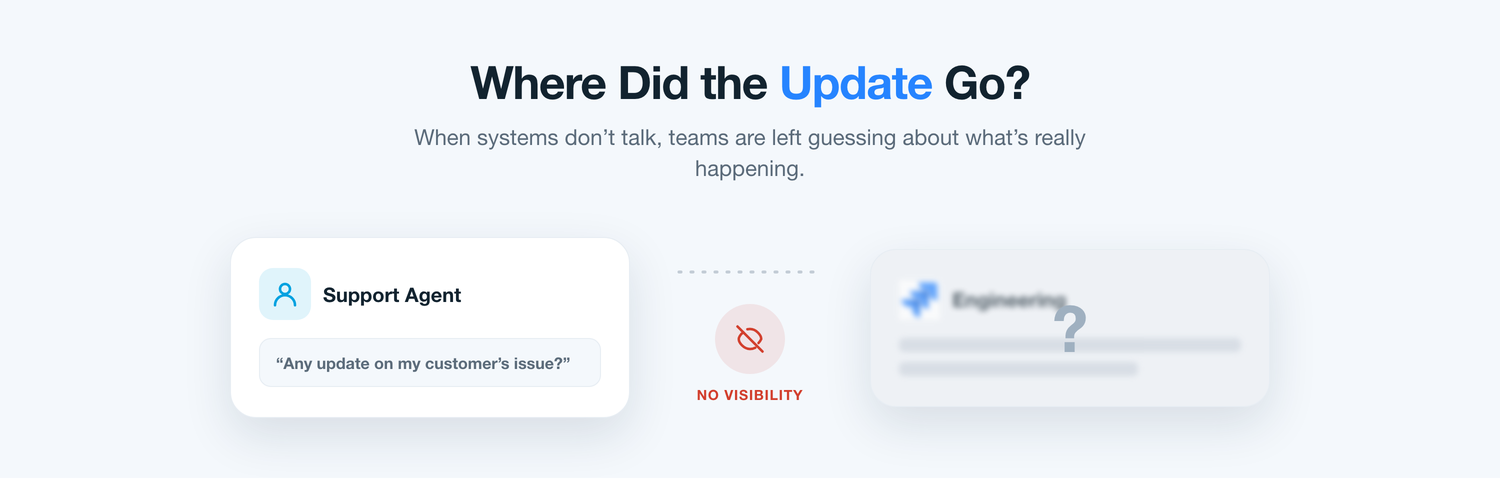
From there the guessing begins. The rep can’t tell the customer when the fix ships, because the status now lives in a tool they can’t see. The Jira team has no idea the Azure DevOps team is touching the same account. Multiply that by the hundreds of requests a month, and three disconnected systems stop being an annoyance and become a drag on the entire business.
Problem one
Typing the Same Request Into Two Trackers
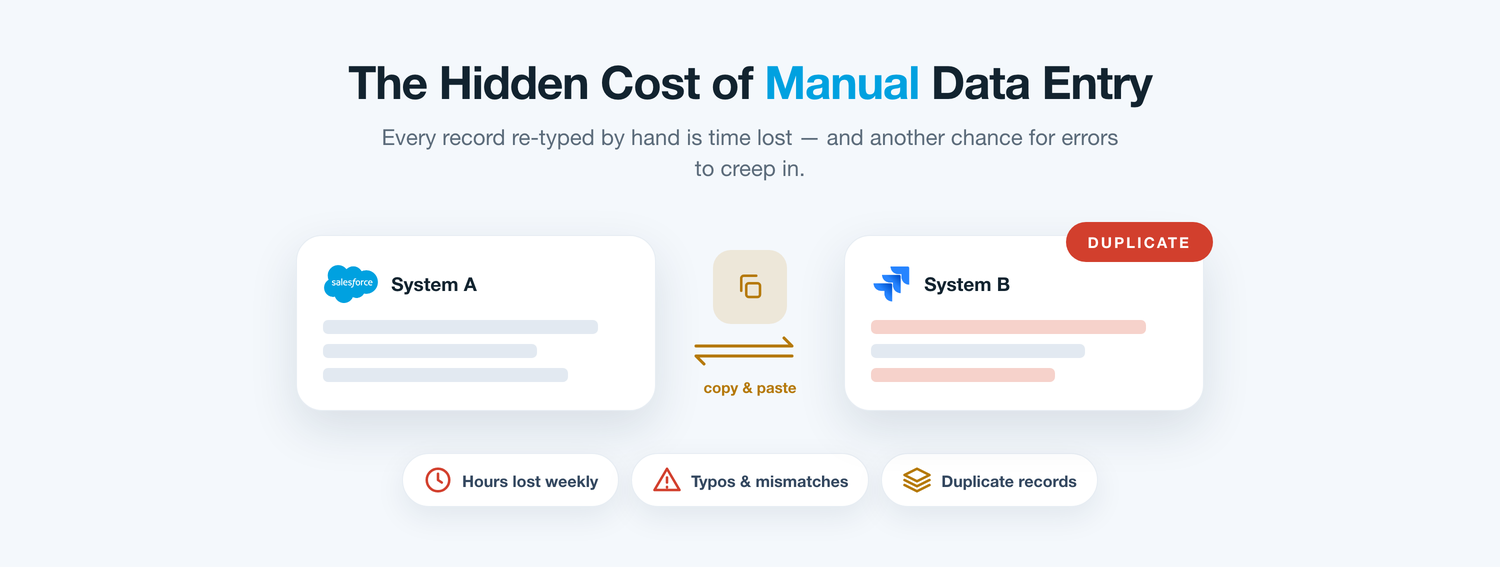
The most obvious tax is duplicate entry — and with two engineering tools in play, it doubles. A request captured in Salesforce is rekeyed into Jira by one team and into Azure DevOps by another. Every hop is a fresh chance to fumble a priority, mistype an account, or lose the attachment that explained the problem.
Because each group keeps its own copy, the three records drift apart almost immediately. A status flips in Azure DevOps but never reaches Salesforce; a decisive comment lands in Jira that the customer-facing team never sees. Within weeks the ‘source of truth’ is whichever screen a person happens to be looking at — and nobody trusts the reports anymore.
The daily friction
Where the Hours Quietly Disappear
On their own these feel like minor irritations. Spread across three systems and a full quarter, they decide how fast your teams can move.
Double rekeying
Every request is retyped into Jira and Azure DevOps — then again on each update.
Stalled hand-offs
Issues idle in an inbox instead of flowing straight into the right engineering queue.
Stranded context
Logs, files, and comments stay locked inside whichever tool first received them.
No customer answer
Reps can’t say when a fix ships without pinging two separate delivery teams.
Unreliable metrics
Backlog and SLA numbers never agree across three systems that never talk.
Problem two
The Blind Spot Between Request and Release
Ask a service manager what happens to an escalation once it leaves their team, and you’ll usually get a shrug. It might be sitting in a Jira sprint. It might be a work item somewhere in Azure DevOps. It might be in both. The moment it crosses out of Salesforce, it vanishes from the people who still have to face the customer.
So teams improvise. Status meetings, ‘quick’ direct messages, a spreadsheet someone updates on Fridays — each a manual patch over the same missing link. None of it scales, all of it interrupts engineers, and the customer keeps waiting for an answer that three systems already contain but none will surface.
Weighing the options
Three Ways Teams Try to Bridge It
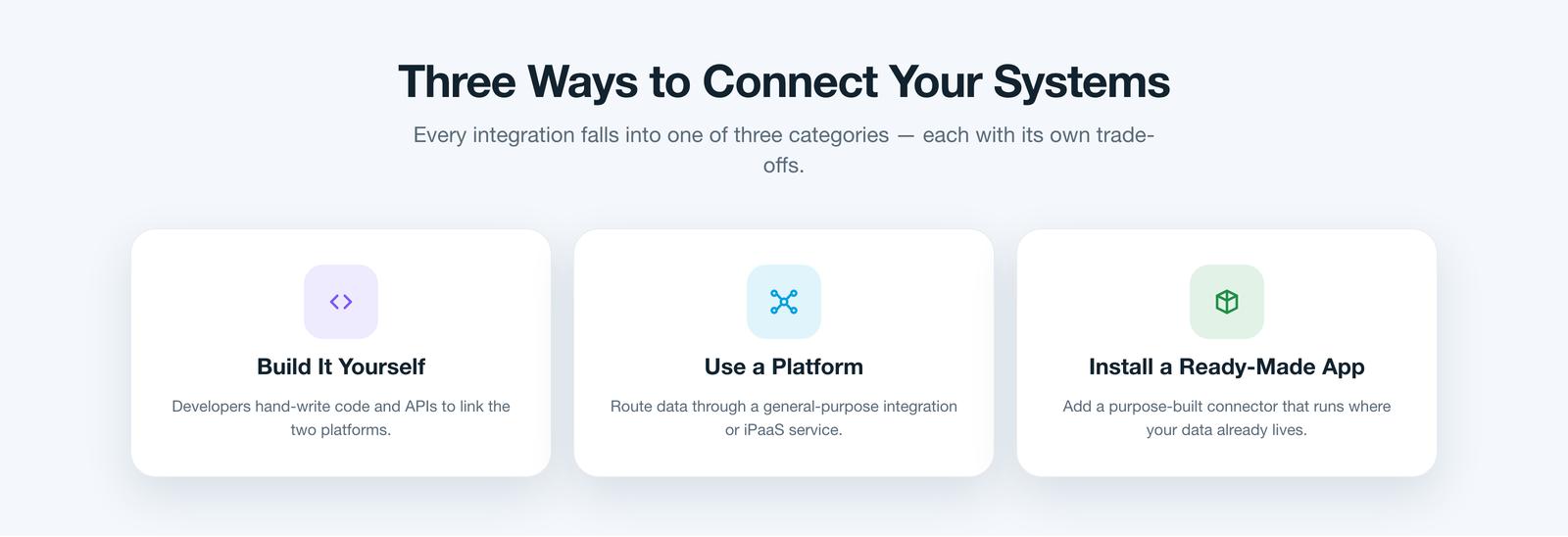
When leaders decide to fix this for good, they tend to land on one of three routes. The first is to build the integration in-house — point developers at the APIs of Salesforce, Jira, and Azure DevOps and wire them together with custom code. It fits your process exactly, but you now own three brittle connections that break with every vendor update.
The second is to route everything through a general integration or iPaaS platform — a middleware layer between your systems. It is flexible, but it is one more product to license, secure, and staff, and your customer data now travels through a third party outside your security boundary.
The third is to install a purpose-built application that already understands all three tools and runs where your data lives. Done properly, this route sidesteps both the maintenance of custom code and the overhead of middleware — exactly where the right choice changes the conversation.
A better way
One App That Speaks Salesforce, Jira, and Azure DevOps
This is where ADL Connect fits. It belongs to that third category — a purpose-built, Salesforce-native application installed straight from the AppExchange — but it is engineered specifically to erase the compromises the other two routes leave behind.
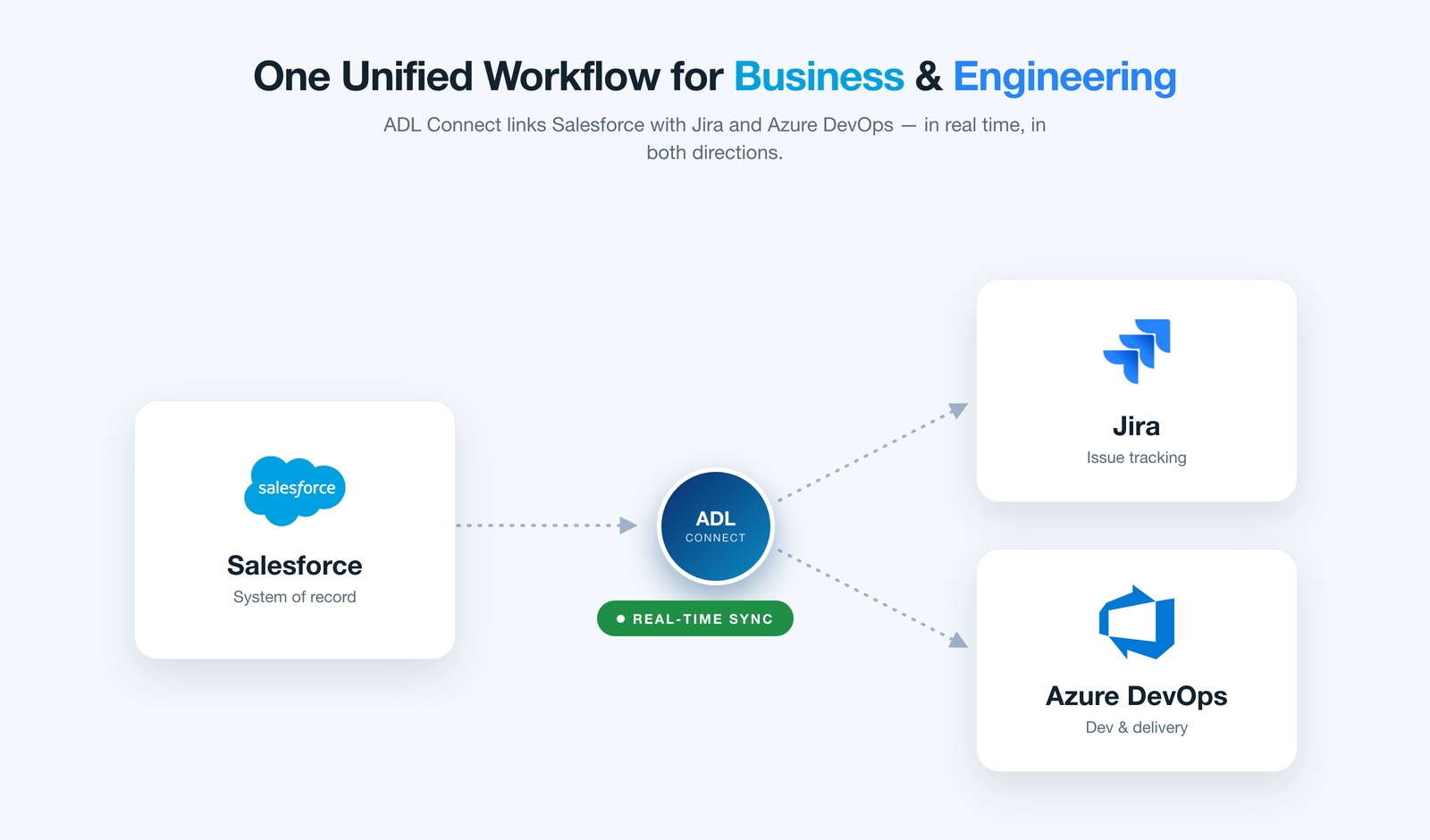
Because it runs inside your own Salesforce org, there is no middleware to stand up and no custom code to babysit. It links each Salesforce record to its counterpart in both Jira and Azure DevOps and keeps them in step automatically, so all three systems behave like one connected workflow instead of three islands.
How it compares
ADL Connect vs the Other Routes
The same job, judged against the criteria that decide whether an integration survives its first year connecting three live systems.
What matters
In-house build
iPaaS / middleware
ADL Connect Best fit
Time to launch
DrawbackWeeks of coding before the first sync works.
Trade-offLong setup mapping each system by hand.
SeamlessManaged-package install — live in well under an hour.
Both trackers at once
DrawbackTwo separate builds to write, test, and maintain.
Trade-offEach connector configured and licensed apart.
SeamlessJira and Azure DevOps unified in one package.
Where data lives
DrawbackScattered across custom scripts and servers.
Trade-offPasses through a third-party middleware host.
SeamlessStays inside your own Salesforce org.
Sync depth
DrawbackOnly whatever you find time to build.
Trade-offOften fields only, on a batch schedule.
SeamlessFields, status, comments & files, both ways.
Trade-offAdmin effort plus licences that climb with volume.
SeamlessMaintained for you; flat pricing, free tier.
The payoff
Traceability From First Request to Final Release
Once a Salesforce record is linked, the live picture from Jira and Azure DevOps appears right on it. Business users stop chasing engineers, engineers stop fielding status pings, and every team reads from the same current information.
Link Salesforce records to Jira issues and Azure DevOps work items
See live status, comments, and attachments without leaving Salesforce
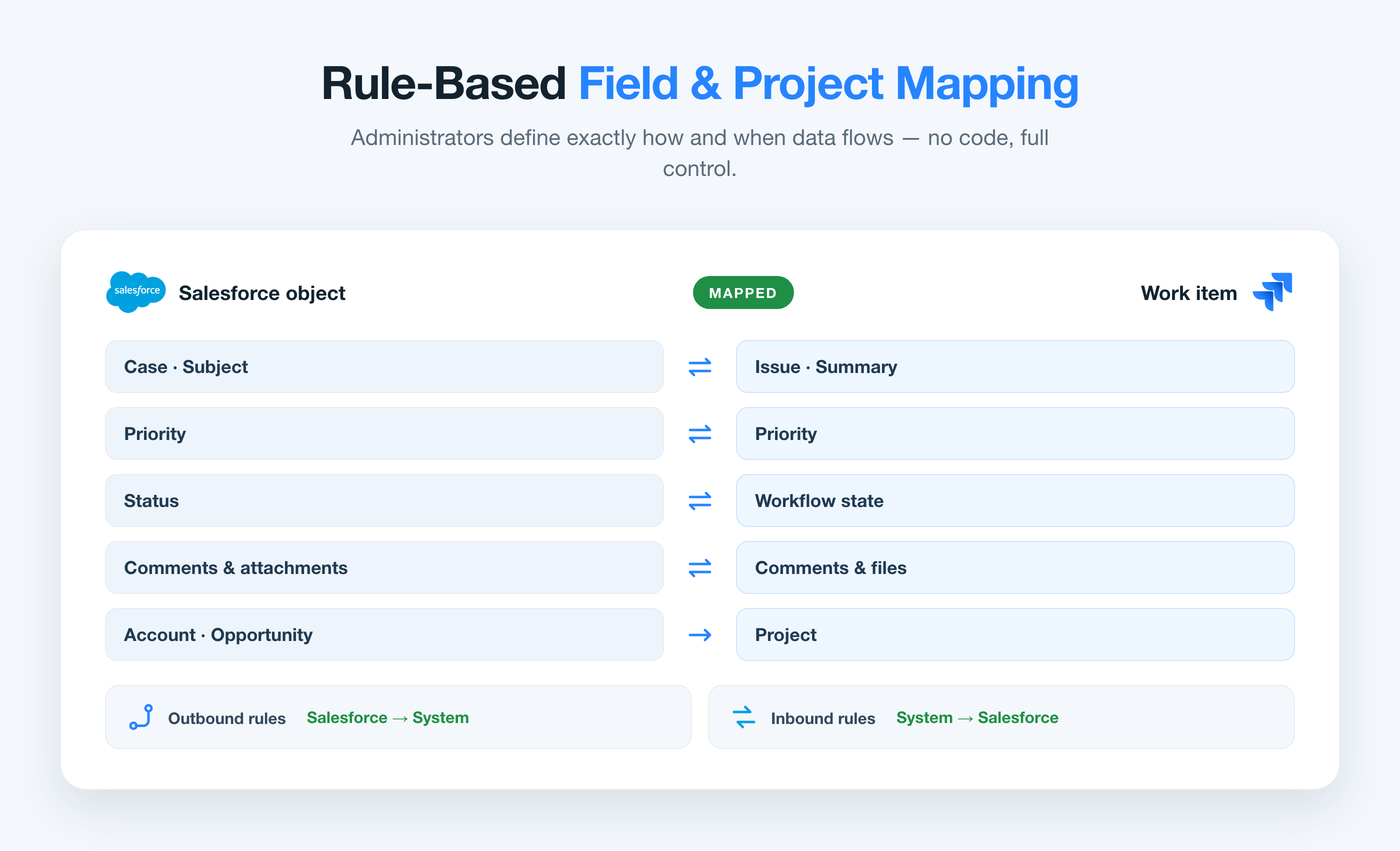
Admins set inbound and outbound sync rules with no code
Engineers keep working in Jira and Azure DevOps exactly as before
No extra Salesforce licences needed for your delivery teams
Why it wins
Why Operations Teams Rely On It
Beyond the day-to-day convenience, ADL Connect is designed to satisfy the people who have to sign off on it.
Rule-based control
Admins decide what syncs, in which direction, per project and field — no code.
Secure by design
Named Credentials, OAuth, respected field-level security, and full audit trails.
Truly bidirectional
Fields, statuses, comments, and attachments flow both ways in real time.
Lower cost of ownership
One native package replaces two custom builds and recurring middleware fees.
Customer feedback
What Teams Say After Unifying All Three
A few words from the leaders who connected Salesforce with both of their engineering trackers using ADL Connect.
★★★★★
“Our teams lived in different worlds — one in Salesforce, two in Jira and Azure DevOps. ADL Connect stitched them into one flow, and our resolution times dropped almost immediately.”
DK
Daniel K.COO, Manufacturing
★★★★★
“We were an afternoon from buying a middleware platform. ADL Connect was live before we’d finished the security review, nothing leaves our Salesforce org, and it covers both trackers at once.”
AB
Aisha B.IT Director, Logistics
★★★★★
“The two-way sync is what sold my engineers. Comments and status move between Salesforce, Jira, and Azure DevOps on their own — nobody copies and pastes anymore.”
TL
Tomas L.Delivery Lead, Telecom
Pricing
Straightforward Plans That Scale With You
Start free, connect a real project across both trackers, and move up only when you’re ready.
Plan
Price
Key inclusions
StartupFree forever
$0
Up to 5 users, 1,000 monthly callouts, the native AppExchange package, and business-hours email support — perfect for a first connected project.
EnterpriseMost popular
$49 / month
Unlimited users and callouts, 24×7 priority support with a rapid response window, and a dedicated success manager.
FAQ
Common Questions About Unifying the Three
Does ADL Connect work with both Jira and Azure DevOps at once?
Yes. A single native package unifies Salesforce with both trackers, so one team can work in Jira while another delivers in Azure DevOps — all linked back to the same Salesforce records.
Do we need to write any code?
No. ADL Connect installs as a managed package and is configured with point-and-click rules, so admins set up inbound and outbound mappings for each tracker without development work.
Will our customer data leave Salesforce?
No. Unlike a middleware approach, the app runs inside your own Salesforce org using Named Credentials and OAuth, so records stay within your security boundary.
Do our engineers need Salesforce licences?
No. Engineers keep working in Jira and Azure DevOps, while business users see the linked items directly inside Salesforce — no extra seats required.
How quickly can we be up and running?
Most teams are live in well under an hour: install the package, authorise the connections, and map the objects and fields you care about.
Turn Three Systems Into One Connected Workflow
Connecting Salesforce with Jira and Azure DevOps was never about moving data for its own sake — it was about making the gap between business and engineering disappear. Native architecture, real two-way sync, and rule-based control turn three separate tools into one trustworthy path from customer request to delivered work.
If your teams are still relaying updates by hand across three systems, that gap is costing you right now. ADL Connect is the fastest, lowest-risk way to close it and unify all three in one workflow.