Personal Access Tokens & basic auth are being retired across Azure DevOps, Jira, ServiceNow & more. Switch to OAuth 2.0 — fully supported in ADL Connect.
Salesforce + ServiceNow Integration: ADL Connect vs. Custom Integration
Posted on
Updated on September 17, 2026
Author : ADL Solution
Salesforce & ServiceNow · Choosing the Right Integration Approach
Salesforce and ServiceNow solve different problems for different teams. The moment they need to work together, you're left with a real decision: build the connection yourself, or install one that already exists.
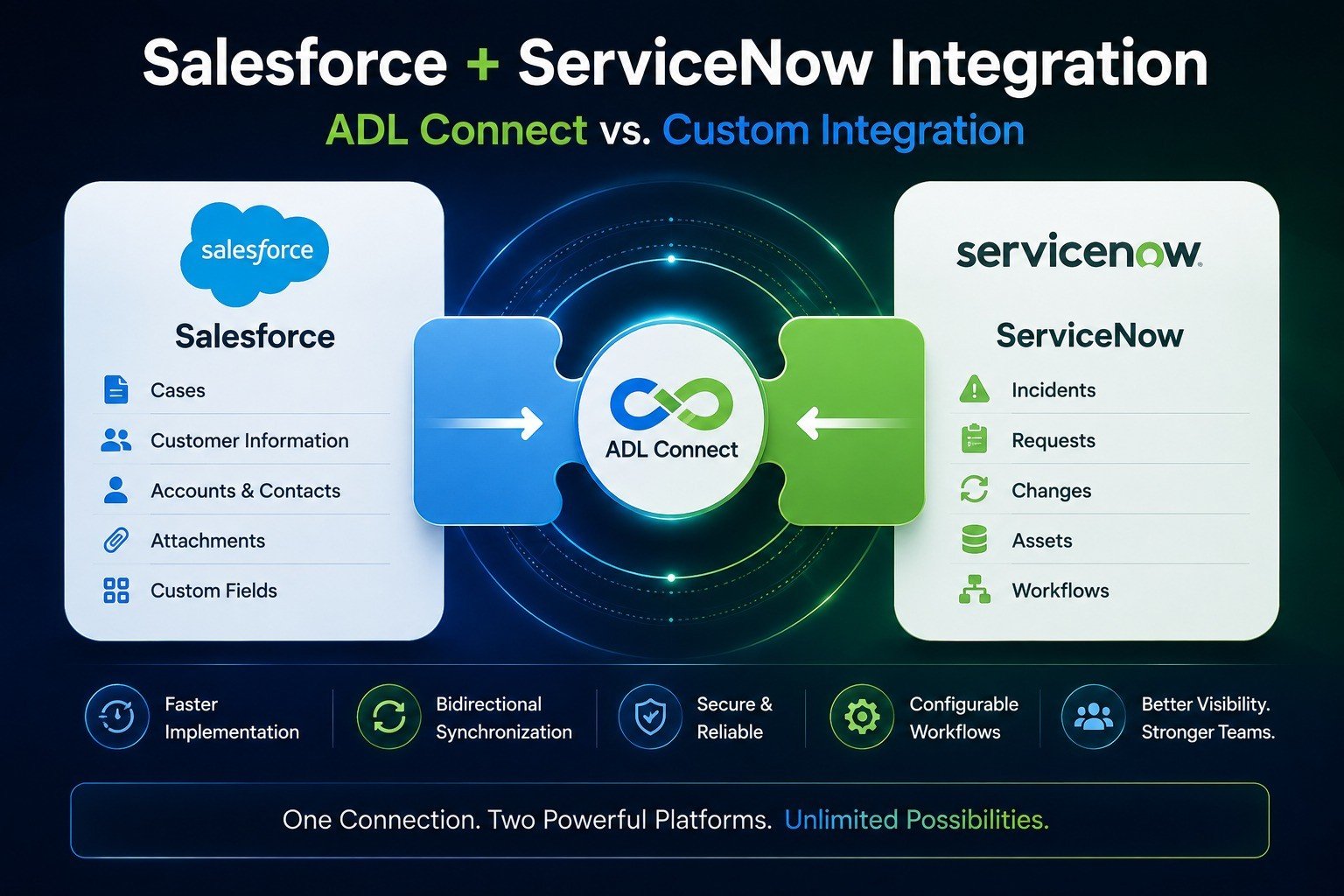
Salesforce runs the CRM side of the business — customers, accounts, and cases. ServiceNow runs IT service operations — incidents, requests, and workflows. Both do their job well, but when they operate in isolation, teams end up re-entering the same data twice, waiting on status updates that don't travel between systems, and losing time to context switching that shouldn't be necessary.
A Salesforce–ServiceNow integration closes that gap so customer-facing and IT teams work from the same information. The open question isn't whether to connect the two platforms — most growing teams eventually do. It's how.
Scope
What Can You Actually Synchronize?
Depending on your requirements, a custom integration can keep any combination of the following in step across both systems.
Salesforce Cases and ServiceNow Incidents
Status updates, in both directions
Comments and internal notes
Attachments and files
Customer and account information
Priority and assignment details
Custom fields specific to your process
Before naming names
Two Ways to Connect Salesforce and ServiceNow
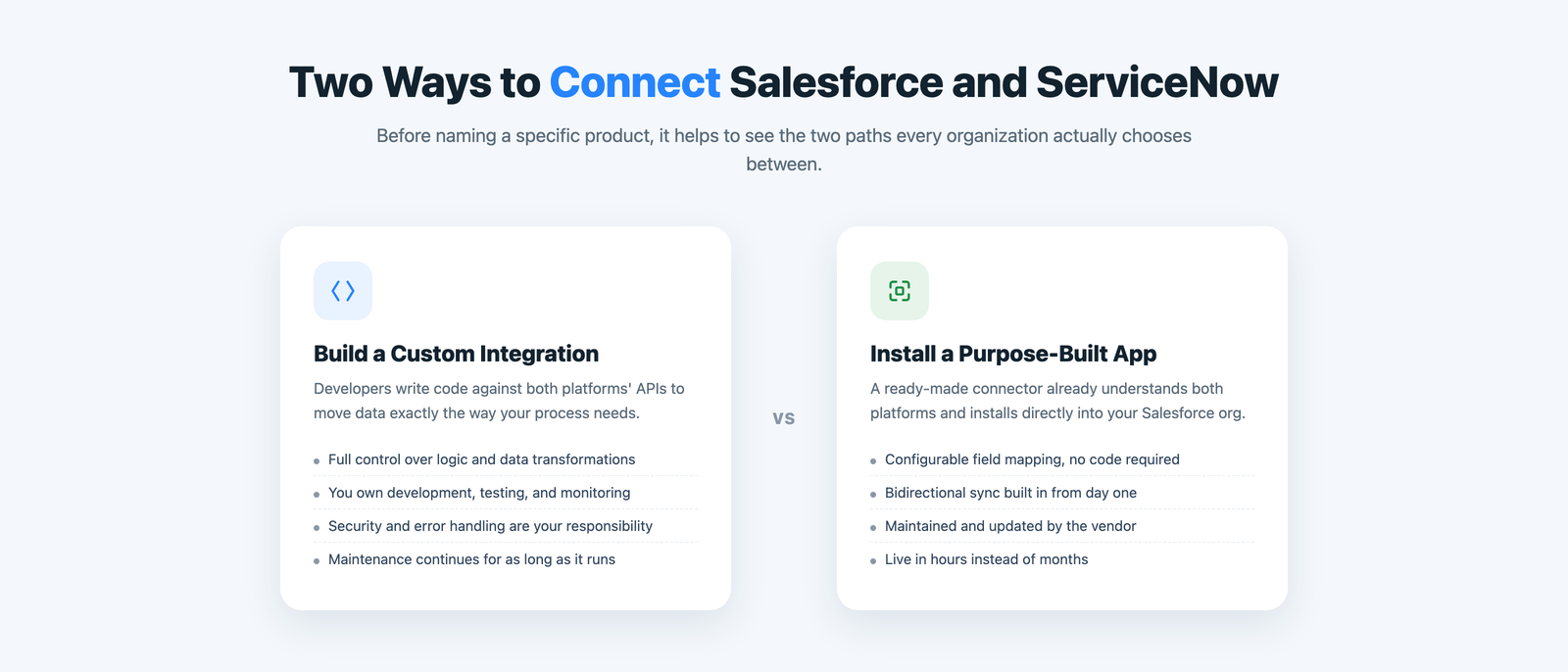
Strip away the vendor pitches and there are really only two paths. You either build a custom integration — developers writing code against both platforms' APIs to move data exactly the way your process needs — or you install a purpose-built app that already understands both systems and connects them through configuration, not code.
Neither is automatically the right answer. The best choice depends on how specialized your requirements are, how much engineering time you want to commit, and how quickly you need this solved.
Option one
What Building It Yourself Really Involves
A custom integration offers maximum flexibility and can support highly specialized business logic — but flexibility has a cost, and it's a cost your team carries indefinitely.
Development
Engineers design and build the connection from the ground up, field by field.
API management
Someone has to track both platforms' API changes and keep the integration working.
Testing
Every sync path and edge case needs its own test coverage before it ships.
Monitoring
Ongoing visibility into whether syncs are actually succeeding, not just running.
Error handling
Failed syncs, retries, and edge cases all need a plan — before they happen in production.
Security
Authentication, credential storage, and access control are entirely on you.
For complex enterprise environments, that ownership can be worth it. For everyone else, it's a second product your team now maintains — forever.
Where the calculus changes
A Purpose-Built App Called ADL Connect
ADL Connect is a Salesforce-native application built specifically to connect Salesforce and ServiceNow — without asking your team to build and maintain the entire integration from scratch.
It installs directly into your Salesforce org, syncs Cases and Incidents bidirectionally, and hands admins configurable field mapping instead of a development backlog. The result is the same outcome a custom build delivers, reached in a fraction of the time.
Capabilities
What ADL Connect Handles For You
Everything a custom build would need to earn over months, available from day one.
Bidirectional data synchronization between Salesforce and ServiceNow
Configurable custom field mapping, no development required
Native Salesforce Case and ServiceNow Incident integration
Comment and attachment synchronization
Real-time workflow visibility on both sides
Configurable workflows that adapt to how your teams already work
How they compare
ADL Connect vs. Custom Integration
The same seven questions any technical evaluation would ask, answered side by side.
Feature
Custom integration
ADL Connect Best fit
Implementation
Trade-offDevelopment required from the ground up.
SeamlessFaster — install and configure, don't build.
Field mapping
Trade-offCustom development for every field.
SeamlessConfigurable by admins, no code.
Bidirectional sync
Trade-offMust be designed and built.
SeamlessSupported natively.
Custom logic
StrengthMaximum flexibility, no ceiling.
SeamlessSupported within the connector's capabilities.
Maintenance
Trade-offFully owned internally, indefinitely.
SeamlessReduced — ownership shifts to the vendor.
Development effort
Trade-offHigher, ongoing.
SeamlessLower, one-time setup.
Best for
StrengthHighly specialized requirements.
SeamlessStandard and customized workflows.
Choose ADL Connect if…
When Should You Choose ADL Connect?
ADL Connect tends to be the stronger fit when your organization wants to:
Connect Salesforce and ServiceNow faster than a build cycle allows
Reduce manual data entry between the two systems
Synchronize cases and incidents without custom code
Improve visibility between customer-facing and IT teams
Configure field mappings instead of writing them
Keep both teams working inside their primary platform
In fairness
When Is Custom Integration the Better Fit?
A connector isn't the right answer for every environment. Custom development earns its cost when you need:
Highly specialized logic
Business rules too specific for any off-the-shelf connector to express.
Complex transformations
Data has to change shape substantially as it crosses systems.
Unique architecture
Your enterprise environment doesn't resemble a standard setup.
Custom middleware
Several systems need to connect through one orchestration layer.
Customer feedback
What Teams Say After Making Their Choice
A few words from IT and operations leaders who evaluated both routes before choosing ADL Connect.
★★★★★
“We scoped a custom build first — three months and two engineers, just for phase one. ADL Connect did the same job in an afternoon.”
MP
Marcus P.VP of IT, Logistics
★★★★★
“What sold us wasn't just the speed. It was not having to staff a maintenance rotation for an integration nobody wanted to own long-term.”
HL
Hana L.Director of Operations, Retail
★★★★★
“The field mapping alone would've taken our team weeks to build and test. Here it was a configuration screen.”
DK
Derek K.Salesforce Admin, Healthcare
Pricing
Simple Pricing, No Guesswork
Start free, connect a real workflow, and upgrade only once you've outgrown it.
Plan
Price
Key inclusions
StartupFree forever
$0
Up to 5 users, 1,000 monthly callouts, the native AppExchange package, and business-hours email support.
EnterpriseMost popular
$49 / month
Unlimited users and callouts, 24×7 priority support with a rapid response window, and a dedicated success manager.
FAQ
Common Questions About Choosing an Approach
Is ADL Connect only suited to simple integrations?
No. It covers standard and customized workflows — bidirectional sync, custom field mapping, and configurable rules cover most real-world requirements without custom code.
Can we start with ADL Connect and add custom logic later?
Yes. Most teams configure the connector for their core workflow first, then extend field mappings and rules as new requirements come up.
What if our requirements go beyond what a connector supports?
That's exactly the case where custom development earns its cost — highly specialized logic, complex transformations, or multi-system middleware architectures. ADL Connect isn't trying to replace that use case.
Does choosing ADL Connect mean we don't need developers at all?
For the integration itself, in most cases yes — setup is configuration-based. Your developers stay free to work on things a connector can't do.
How much faster is this than building it ourselves?
Custom builds typically take weeks to months before the first sync runs. ADL Connect installs as a managed package and can be configured in well under an hour.
The Bottom Line
The decision isn't simply “custom vs. connector.” It's about choosing the approach that delivers the outcome you need with the right balance of flexibility, development effort, and long-term maintenance.
For most organizations looking for a purpose-built Salesforce–ServiceNow integration, ADL Connect is a practical alternative to building and maintaining the whole thing internally — connect the platforms, reduce manual work, and give your teams the visibility they need to move faster.