10 Reasons to Connect Salesforce with Jira in 2026
Posted on
Last updated on August 10, 2026
Author : ADL Solution
Salesforce & Jira · The 2026 Case for Connection
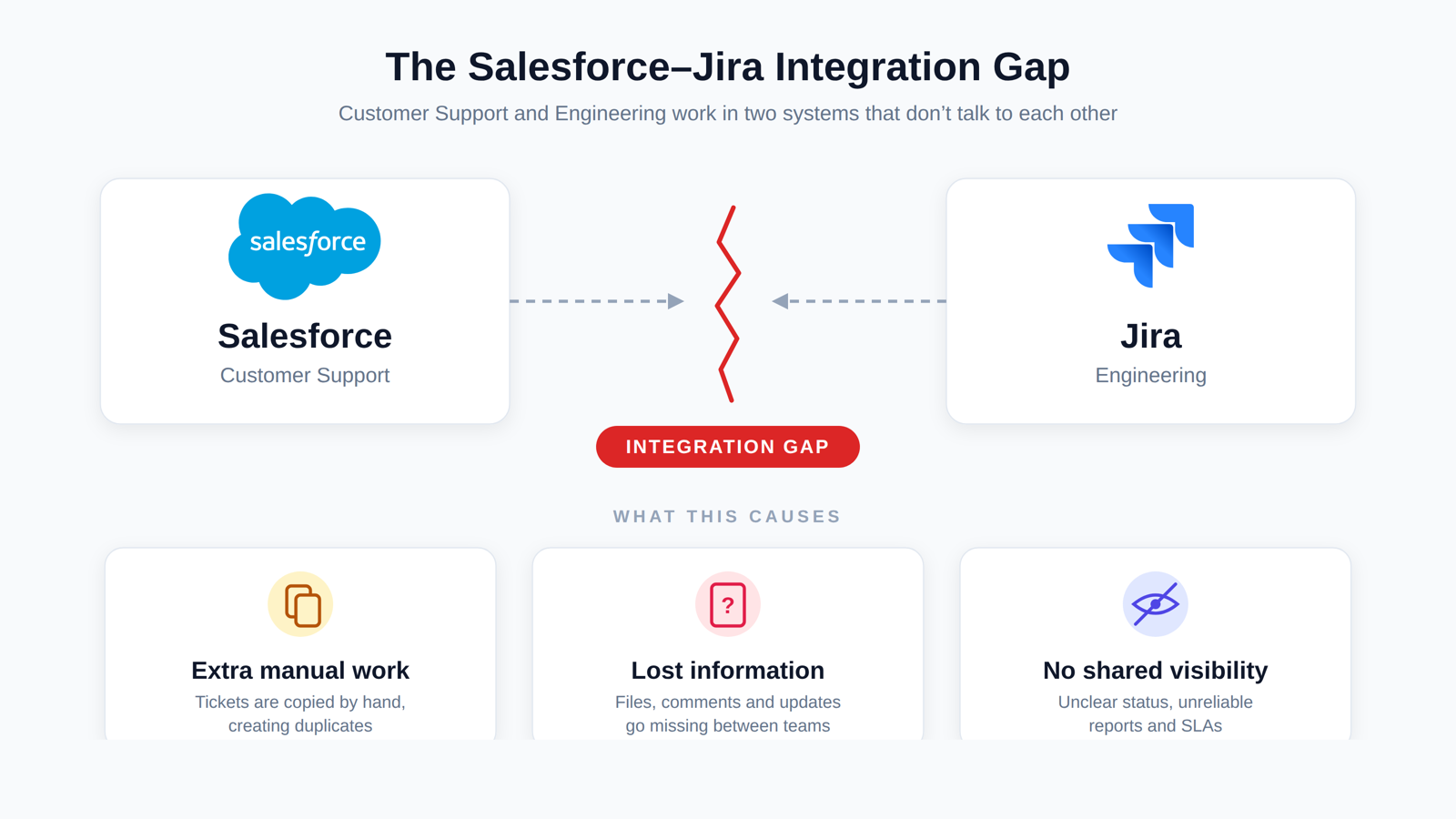
Every growing company runs two clocks at once: one for customers, one for the code that serves them. When those clocks drift out of sync, the cost shows up everywhere — slower fixes, frustrated customers, and teams chasing updates instead of shipping them.
Think back to the last urgent bug your company handled. A customer flagged it, a support agent captured every detail in Salesforce, and then the relay race began — someone retyped the essentials into Jira so engineering could pick it up. Two records were born for one problem, and from that moment they drifted apart.
By 2026, that hand-off is no longer a small inconvenience. Ticket volumes keep climbing, customers expect answers in hours, and leadership wants automation that is ready for AI — not held together with copy-and-paste. A manual bridge between Salesforce and Jira cannot keep that pace, and the people maintaining it feel it first.
Problem one
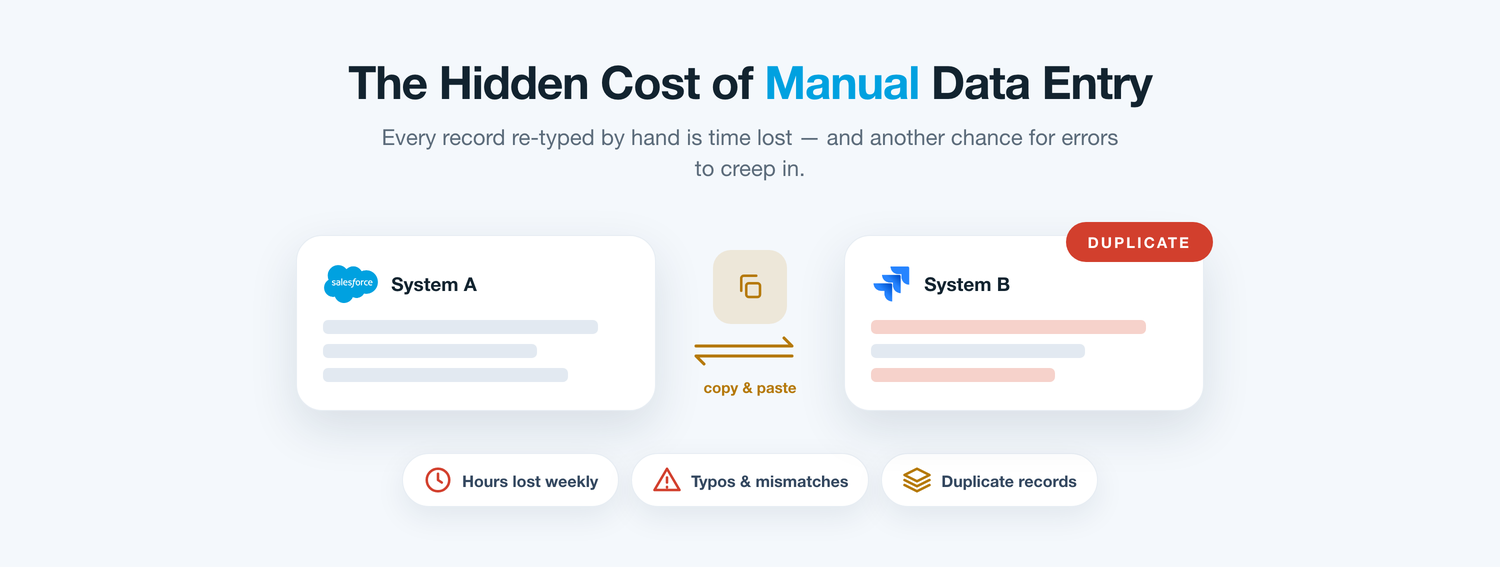
One Story, Told Twice
The most obvious drain is duplicate entry. A case captured in Salesforce is typed a second time into Jira, and every re-keyed field is a fresh chance for a mistake — a wrong priority, a misspelt account, a date a day off. On a busy week those slips compound into data neither team fully trusts.
Worse, the copy is frozen the instant it is made. The moment engineering edits the Jira issue, the Salesforce version is already stale. Nobody decides to work from outdated information; it just happens quietly, until a report contradicts reality and people start double-checking by hand.
Problem two
When Work Vanishes Into Engineering
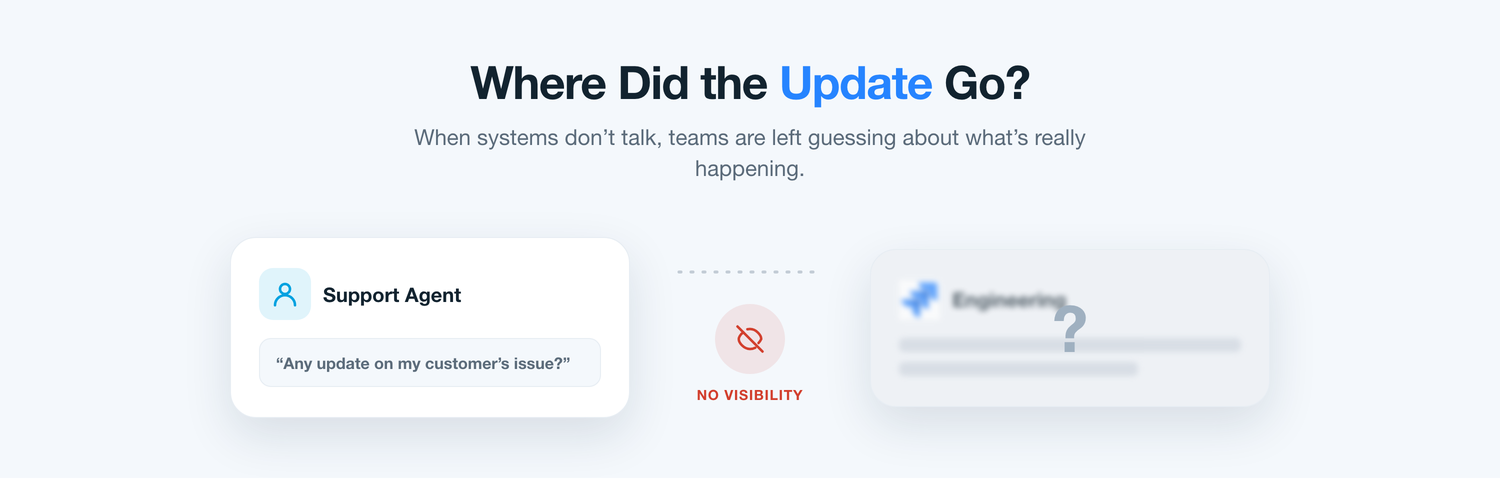
Ask a support lead where an escalated issue stands and you will often get a guess. Once a request crosses into Jira it drops off the support team’s radar — the status exists, just not where the people talking to the customer can see it.
So the interruptions begin. A message to a developer here, a stand-up question there, a spreadsheet someone refreshes on Fridays. Each workaround steals focus from both sides, and the customer still waits for an answer that already exists in a system they cannot see.
The hidden bill
What the Disconnect Quietly Costs
None look serious on a Tuesday. Stacked across a quarter of rising ticket volume, they decide how fast your teams can move.
Sluggish hand-offs
Escalations sit in an inbox instead of flowing straight into the engineering backlog.
Double data entry
The same issue is keyed into two systems, doubling both the effort and the error rate.
No shared status
Agents can’t say when a fix will ship without stopping to ping an engineer.
Stranded context
Logs, files, and comments stay trapped in whichever tool first created them.
Numbers that disagree
SLA and backlog reports drift because the two systems never reconcile.
Duplicate tickets
One bug gets logged twice, splitting the conversation and slowing the fix.
Weighing the options
Three Routes Teams Take to Bridge the Gap
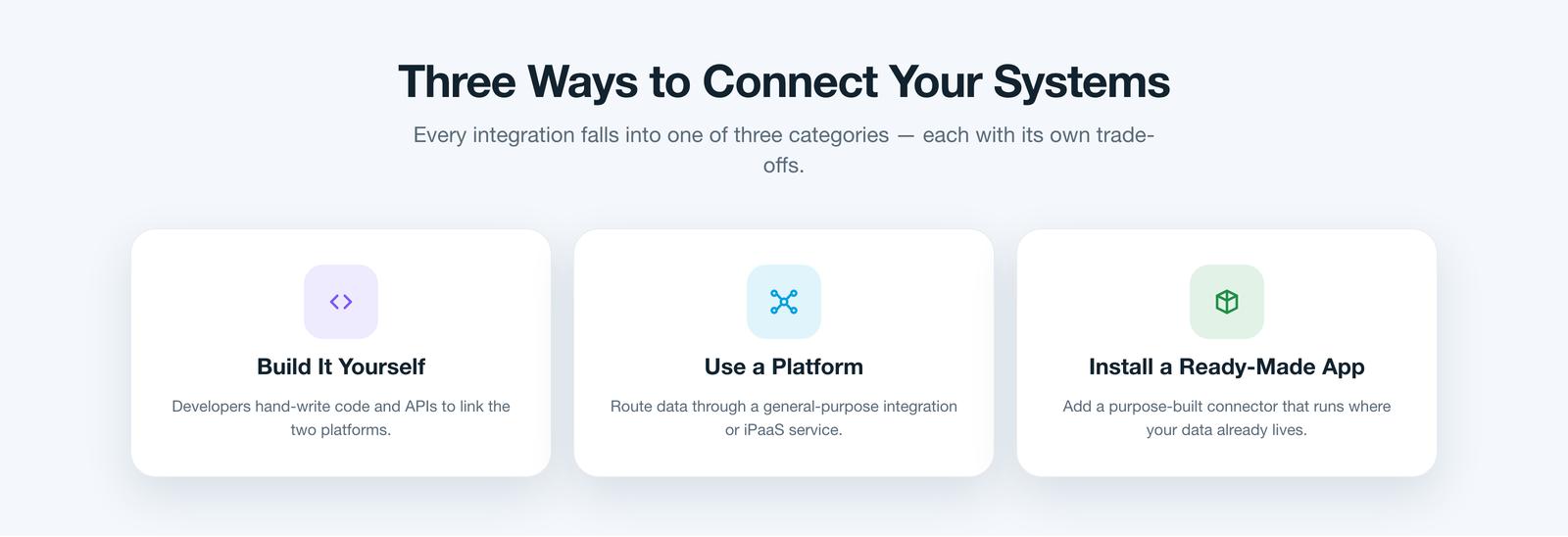
When a company finally commits to connecting the two platforms, the decision usually narrows to three paths. The first is to build the bridge yourself — assign developers to stitch the APIs together with custom code. It fits your process exactly, but it becomes a permanent maintenance job that competes with the roadmap.
The second is to route everything through a general integration platform — a middleware layer between your systems. It is versatile, yet it is one more product to license, secure, and staff, and your customer data now detours through someone else’s servers.
The third is to install a ready-made app built for exactly this job — software that already speaks both platforms and runs where your data lives. Done right, this route sidesteps both custom-code upkeep and middleware overhead, which is where the choice gets interesting.
A purpose-built fit
This Is Where ADL Connect Comes In
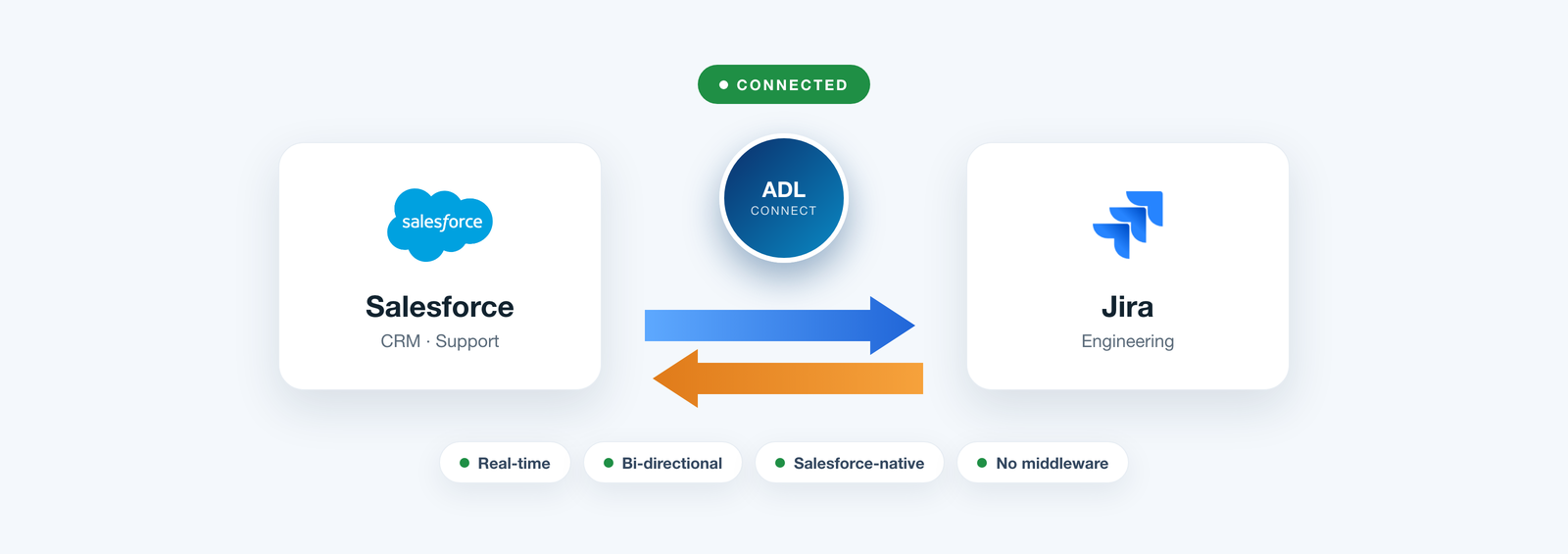
That third route is exactly where ADL Connect lives — a Salesforce-native application from the AppExchange, engineered to erase the compromises the other two options leave behind.
Because it installs as a managed package inside Salesforce, there is no middleware to stand up and no custom codebase to babysit. It links each Salesforce record to its Jira issue and keeps them moving together in real time, so support and engineering finally read from the same page.
Under the hood
One App, Living Inside Your Org
There is no code to write and no server to run. Admins map projects and fields, then set rule-based inbound and outbound rules that decide what syncs and in which direction — all point-and-click. Most teams are live in under an hour.
Security stays put, too. The connector runs entirely inside your Salesforce org, authenticates through Named Credentials and OAuth, respects field-level security, and logs an audit trail of every change. Nothing leaves your trust boundary.
Side by side
Manual Relay vs. Middleware vs. ADL Connect
The criteria that decide whether an integration is still working a year after it launches.
What matters
Manual hand-off
Middleware platform
ADL Connect Best fit
Setup time
DrawbackNever truly finished.
Trade-offWeeks of mapping and testing.
SeamlessLive in under an hour.
Maintenance
DrawbackPeople re-key data every day.
Trade-offAn admin babysits the flows.
SeamlessMaintained and updated for you.
Where data lives
DrawbackScattered across chats and copies.
Trade-offRouted through a third-party server.
SeamlessStays inside your Salesforce org.
Sync depth
DrawbackOnly what someone remembers to copy.
Trade-offOften fields only, on a batch.
SeamlessFields, status, comments & files, both ways.
Scales with volume
DrawbackBreaks down as tickets climb.
Trade-offCosts rise with every call.
SeamlessUnlimited callouts on Enterprise.
Total cost
DrawbackHidden hours across two teams.
Trade-offLicences that grow with usage.
SeamlessFlat pricing with a free tier.
The 2026 case
10 Reasons to Connect Salesforce with Jira This Year
Any one justifies the project. Together they explain why integration moved from nice-to-have to non-negotiable in 2026.
1. One source of truth
Sales, support, and engineering work from one shared view of every issue.
2. Zero re-keying
Automatic sync ends duplicate entry and the errors that ride along with it.
3. Live status, no chasing
Linked Jira progress appears on the Salesforce record, so nobody pings for updates.
4. Faster resolutions
Cases create or update Jira issues instantly, cutting days from the fix cycle.
5. Product hears the customer
Real customer feedback flows straight into the engineering backlog and roadmap.
6. True two-way sync
Comments, statuses, and attachments stay current on both platforms at once.
7. Automation-ready
Rule-based triggers handle routine hand-offs so people focus on real work.
8. Cleaner reporting
SLA and backlog numbers finally agree because both systems share the same data.
9. Scales with ticket volume
Rising demand no longer means more manual work or more headcount.
10. Built for an AI future
A connected, structured data flow is the foundation AI-driven operations depend on.
What changes on day one
The Payoff Your Teams Feel Immediately
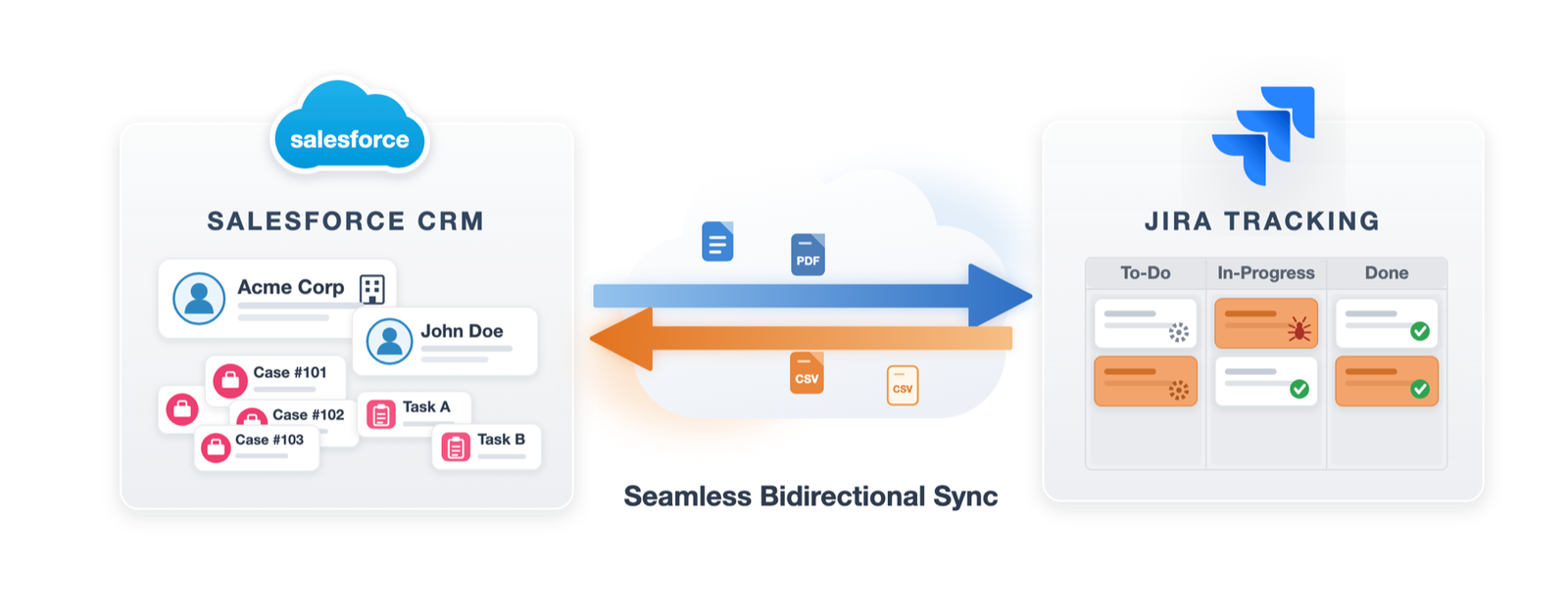
Once the link is live, the Jira picture shows up right on the Salesforce record. Agents stop interrupting engineers, engineers stop fielding status pings, and both teams spend their day on work that moves the needle.
Create or link Jira issues without ever leaving a case
Watch live status and progress on the Salesforce record
Read and post Jira comments straight from Salesforce
Sync attachments and files in both directions
Give business users the full picture with no extra Jira seats
Customer feedback
What Teams Notice After Going Live
Support and product leaders on what changed once the daily hand-off disappeared.
★★★★★
“Our agents used to log a ticket in one tool and retype it in another all day. Now it just syncs — the team got hours back each week and our data finally lines up.”
HT
Hannah T.VP Support, E-commerce
★★★★★
“Customer feedback now lands in our Jira backlog automatically. Prioritising the roadmap around what buyers actually report is finally clear.”
RS
Raj S.Product Manager, Mobility
★★★★★
“We were bracing for a long middleware rollout. ADL Connect was live the same afternoon, and nothing ever leaves our Salesforce org.”
SG
Sofia G.Support Lead, PropTech
Pricing
Pricing That Scales With You, Not Against You
Prove the value on the free tier, then scale on a flat rate instead of paying more as ticket volume spikes.
Plan
Price
Key inclusions
StartupFree forever
$0
Up to 5 users, 1,000 monthly callouts, the native AppExchange package, and business-hours email support — enough for a real first project.
EnterpriseMost popular
$49 / month
Unlimited users and callouts, 24×7 priority support with a fast response window, and a dedicated success manager.
FAQ
Questions Teams Ask Before Connecting
Why connect Salesforce and Jira in 2026 specifically?
Ticket volumes and customer expectations are both rising, and AI-ready operations depend on clean, connected data. A manual bridge can’t keep up; automated, real-time sync can.
Do we need developers or middleware to set it up?
No. ADL Connect installs as a Salesforce-native managed package and is configured point-and-click, so there is no custom code and no middleware layer to run.
Is the sync really two-way?
Yes. Fields, statuses, comments, and attachments move in both directions in real time, so Salesforce and Jira always reflect the same reality.
Will our customer data leave Salesforce?
No. The connector runs inside your org and authenticates with Named Credentials and OAuth, so records stay within your existing security boundary.
How quickly can we actually be live?
Most teams connect a real project in under an hour: install the package, authorise the connection, and map the objects and fields that matter.
Make 2026 the Year the Gap Disappears
Connecting Salesforce and Jira is no longer about moving data between two tools — it is about giving every team a single, trustworthy view so they move faster with less risk. Native architecture, genuine two-way sync, and rule-based control turn a daily hand-off into an invisible one.
If your teams are still relaying updates by hand, that gap is costing you right now. ADL Connect is the fastest, lowest-risk way to close it for good in 2026.